
What Is the Difference Between Draft and Approved Bills?

Understanding bill statuses helps you manage your payables workflow correctly. A Draft bill has been created and saved but not yet approved.

Last updated

Quick answer

In CFO12, a Draft bill is saved but not yet approved and does not affect your payables. An Approved bill is confirmed and recorded in your accounts, so it appears in Aged Payables, vendor payment tracking and financial reports. To move a bill from Draft to Approved, open it under Pay & Expenses → Bills and click Approve.

Understanding bill statuses helps you manage your payables workflow correctly.
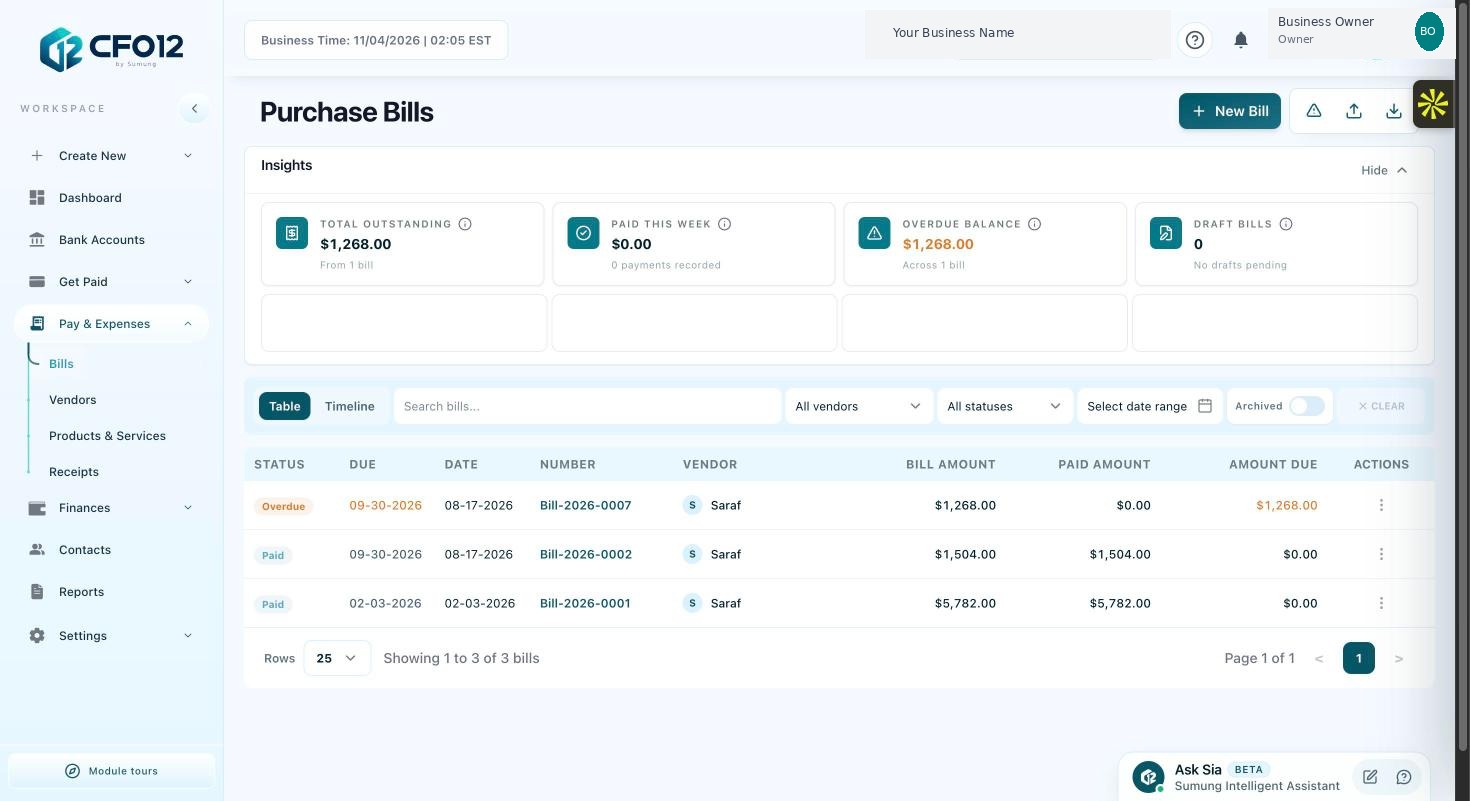
What Is the Difference Between Draft and Approved Bills? screenshot

What You Can Do

  1. A Draft bill has been created and saved but not yet approved. It does not affect your payables.
  2. An Approved bill is confirmed and recorded in your accounts. It appears in Aged Payables and financial reports.
  3. To move a bill from Draft to Approved, open it and click Approve.
  4. Only approved bills are included in vendor payment tracking and financial reports.

💡 Always approve bills before making a payment to ensure your records stay accurate.

Related Articles

Was this article helpful?

Your feedback helps us improve our documentation.

Frequently asked questions

Can I delete a bill I created by mistake?

Only draft bills can be deleted, and deletion permanently removes them. Approved bills should be archived rather than deleted.

Are draft bills included in Bill Insights?

No. Insights are based on your approved bills; draft bills are not included in the charts.

How can I see all my draft bills in one place?

Go to Pay & Expenses → Bills and use the status filter to select Draft.

Complete guideBills and expenses in CFO12: complete guide