Saving a bill as a draft lets you complete it later before recording it in your accounts.
What You Can Do
- Create or open a bill.
- Fill in the available details.
- Click Save as Draft.
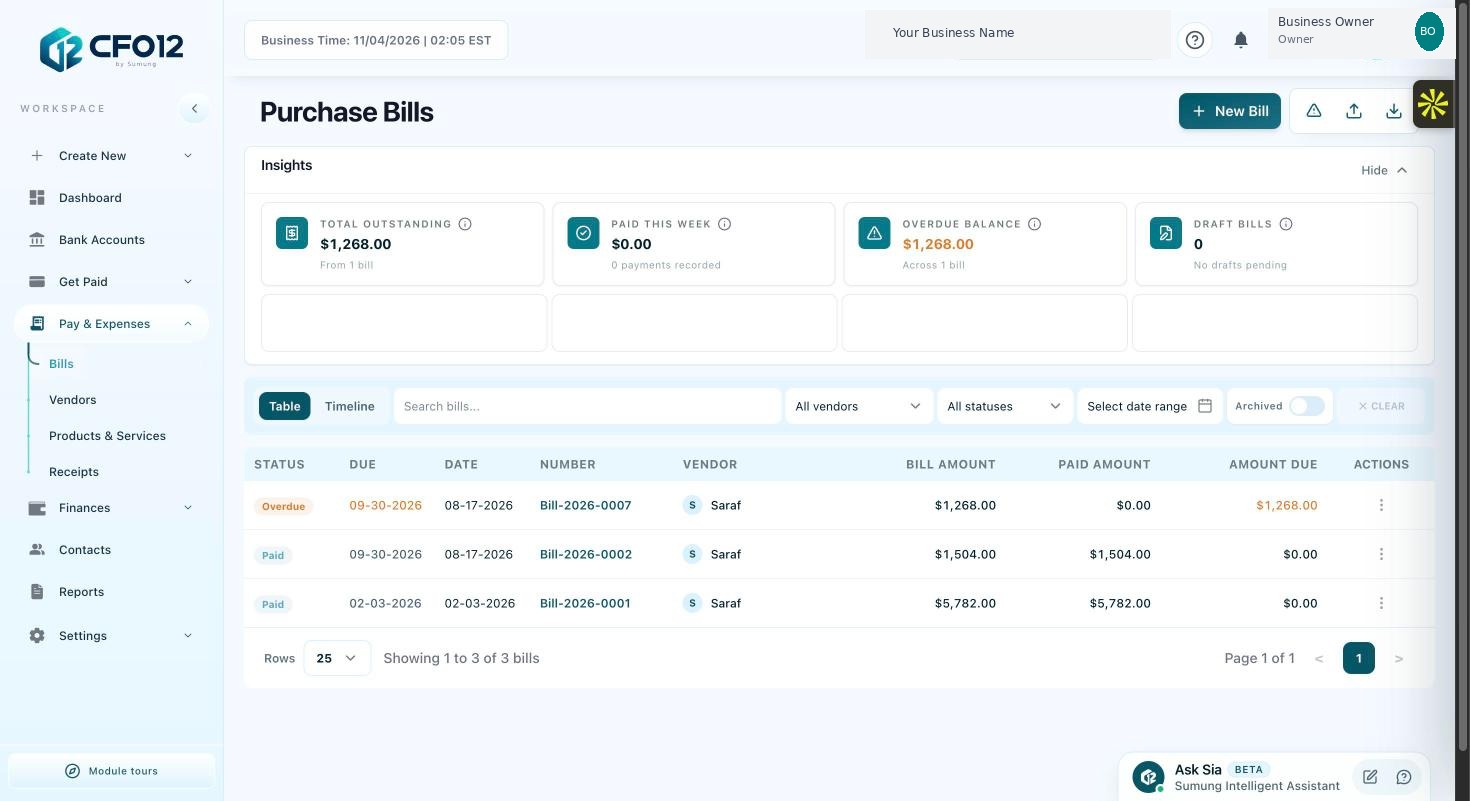
- The bill is saved with a Draft status and appears in the Bills list.
- Return to it later to edit and approve.
💡 Draft bills do not affect your outstanding payables until they are approved.
Related Articles
- How to Save and Approve a Bill
- How to Edit a Draft Bill
- How to View All Bills
Was this article helpful?
Your feedback helps us improve our documentation.