Create auto rules to automate the categorisation of recurring bank transactions.
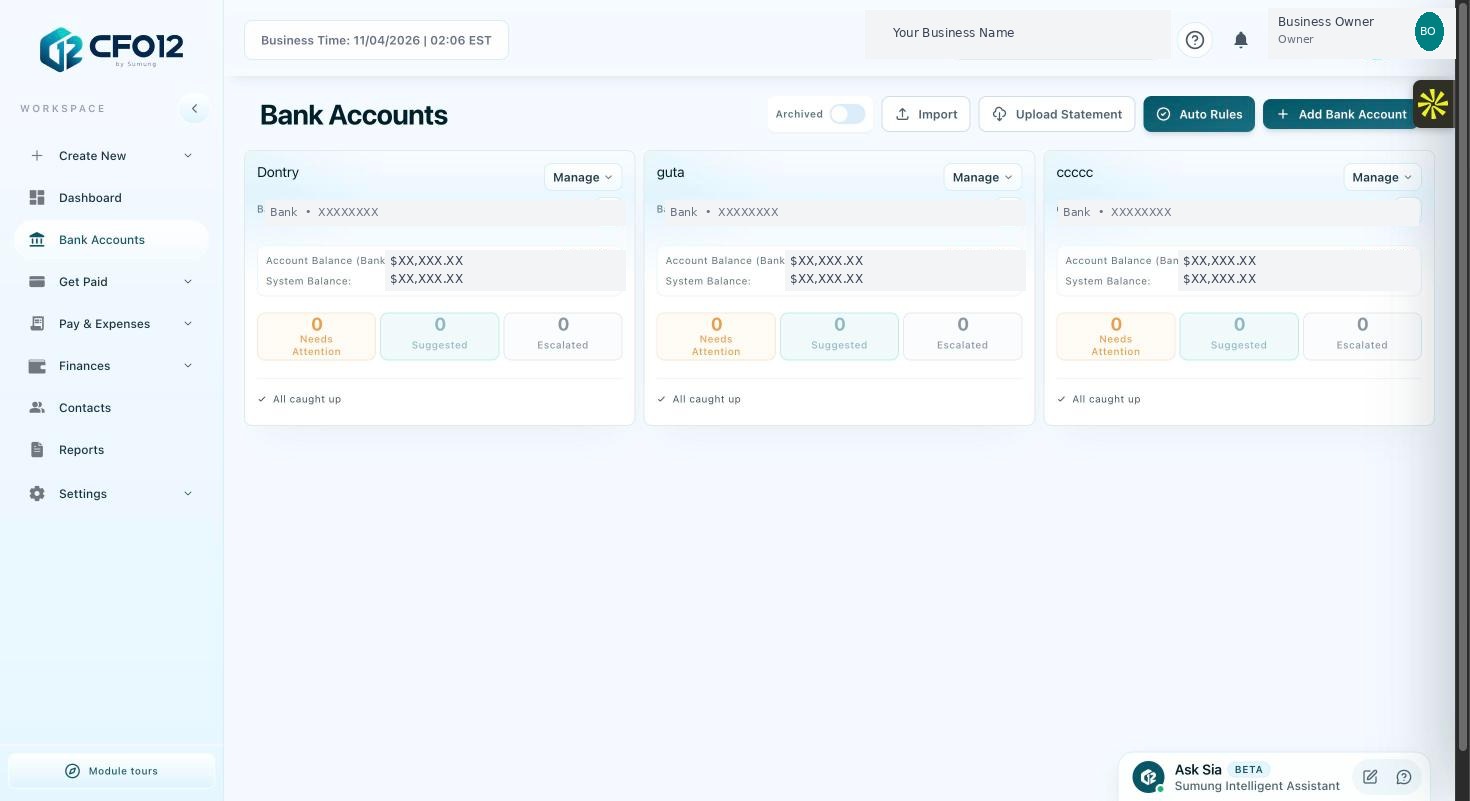
What You Can Do
- Go to Bank Accounts and click Auto Rules.
- Click to create a new rule.
- Define the matching condition (e.g., a condition to match the transaction).
- Set the account or category to assign to matching transactions.
- Save the rule. Future imports will apply this rule automatically.
💡 Start with rules for your most frequent transactions — payroll, rent, utilities — to save the most time.
Related Articles
- What Are Auto Rules?
- How to Import Bank Transactions
- How to Categorise a Bank Transaction
Was this article helpful?
Your feedback helps us improve our documentation.