Categorising a transaction links it to the correct account in your Chart of Accounts.
What You Can Do
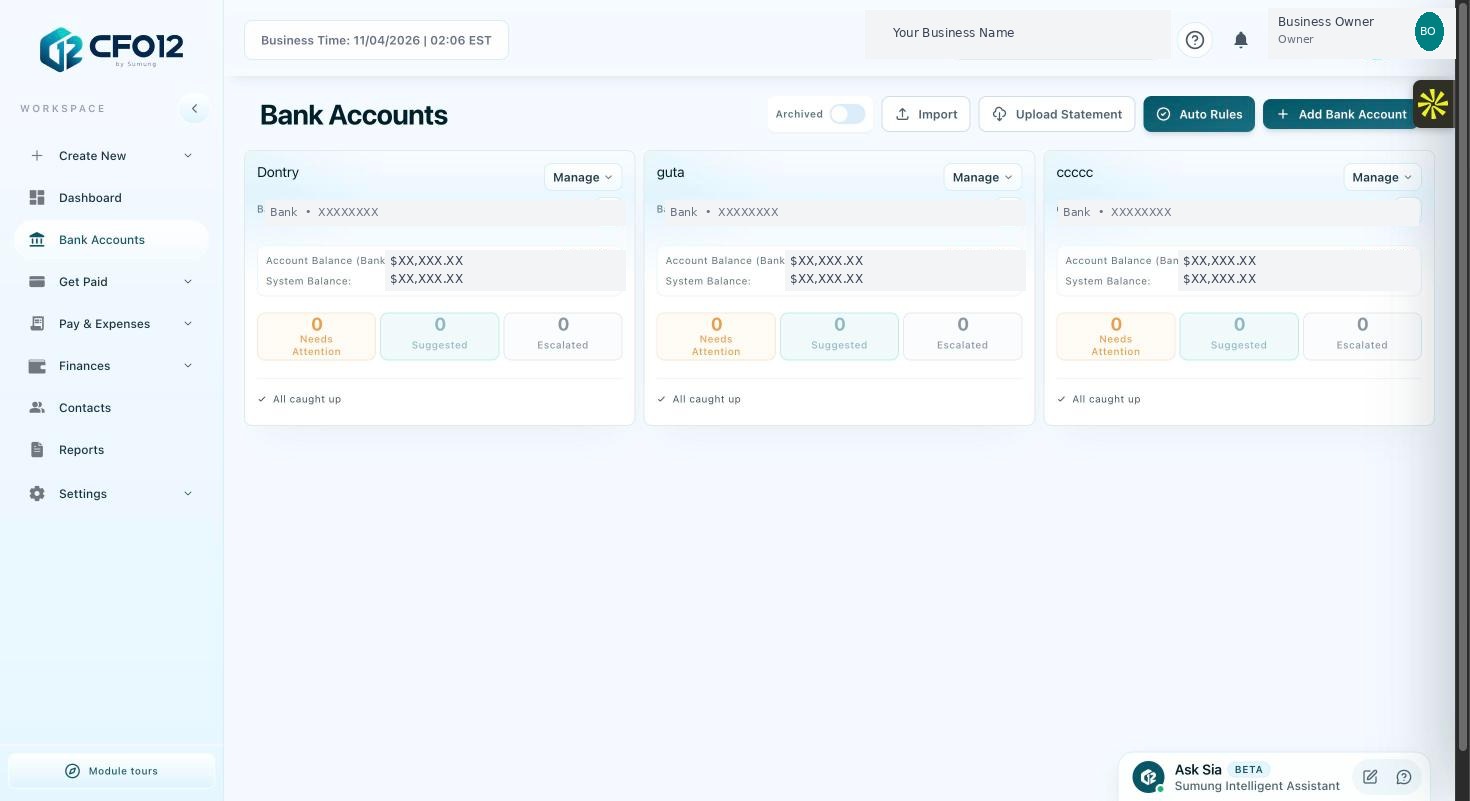
- Open a bank account and find the transaction you want to categorise.
- Click the category or account field for the transaction.
- Select the appropriate account from your Chart of Accounts.
- Save the categorisation.
- Categorised transactions appear in your financial reports.
💡 Use Auto Rules to categorise recurring transactions automatically on import.
Related Articles
- What Are Auto Rules?
- How to View the Chart of Accounts
- How to Reconcile Bank Transactions
Was this article helpful?
Your feedback helps us improve our documentation.