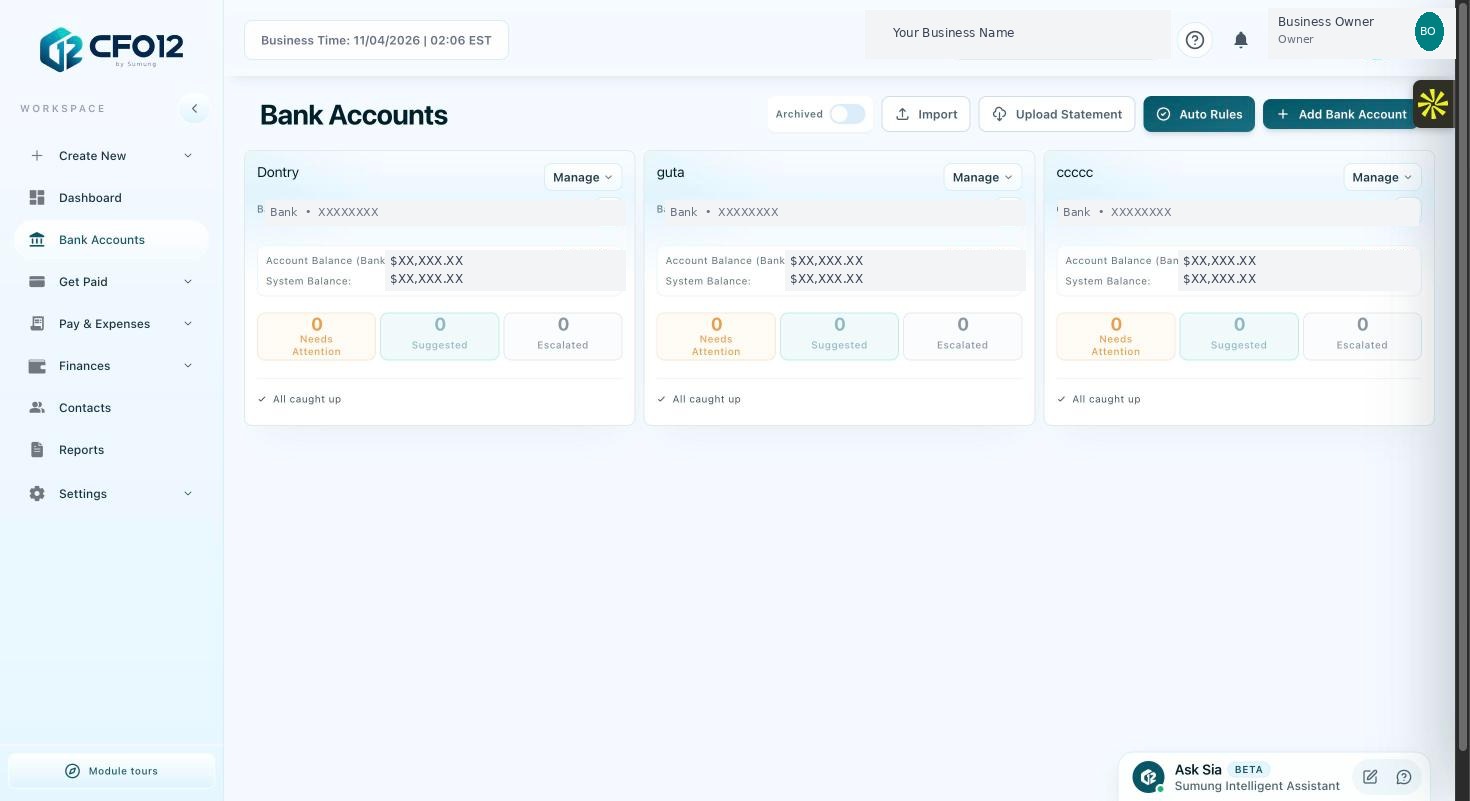
Add your business bank accounts to CFO12 so you can track transactions and reconcile your books.
What You Can Do
- Go to Bank Accounts in the left sidebar.
- Click Add Bank Account.
- Enter the account name, bank name, and account number.
- Save the account. It now appears in your Bank Accounts list.
💡 You can also add bank accounts from the Chart of Accounts section.
Related Articles
Was this article helpful?
Your feedback helps us improve our documentation.