Keeping your bank imports current ensures your books reflect the latest transactions.
What You Can Do
- Download your bank statement at the end of each week or month.
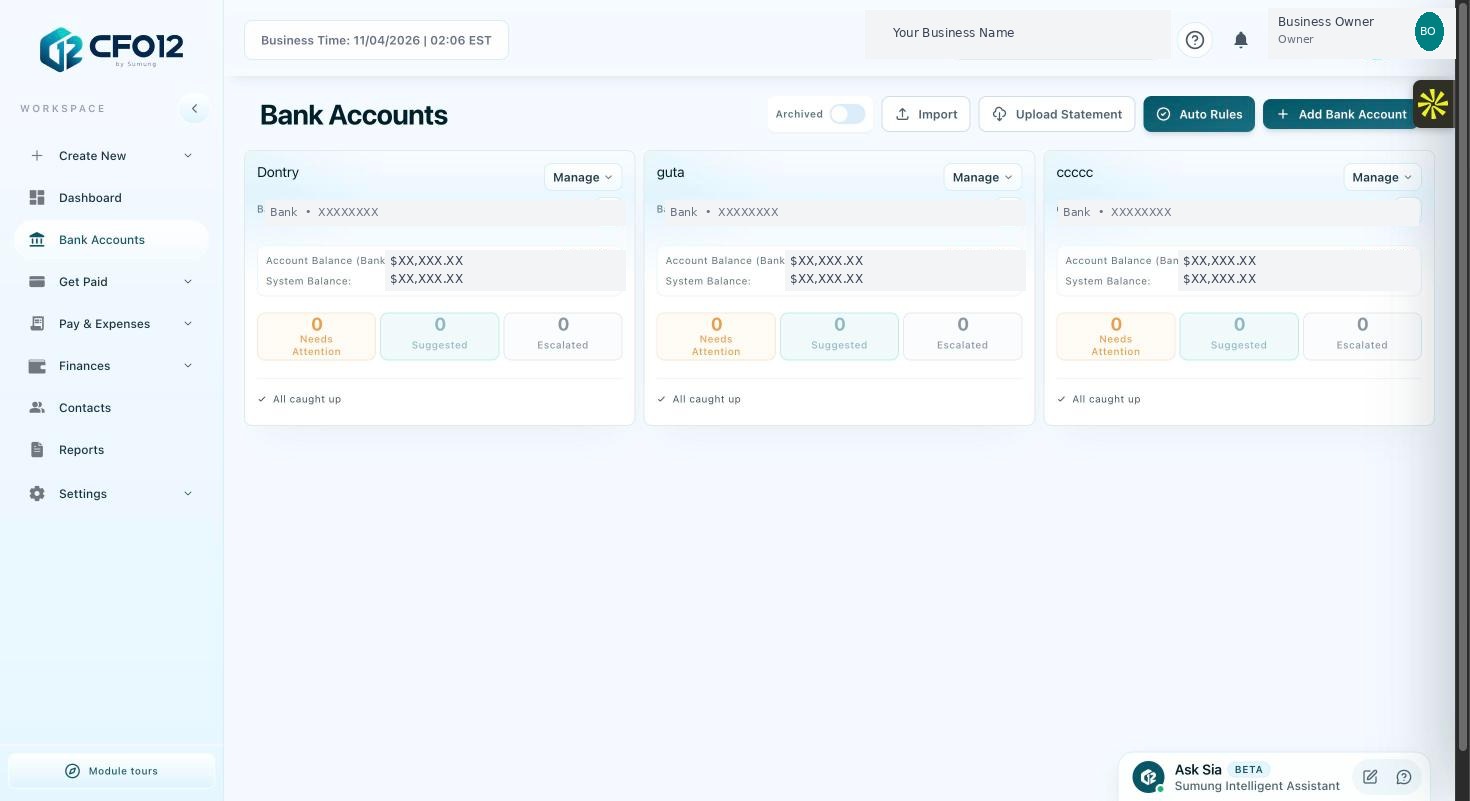
- Go to Bank Accounts and open the relevant account.
- Click Import and upload the statement file.
- Review and categorise any new transactions.
- Match transactions to invoices and bills as applicable.
💡 Import frequency depends on your business volume — weekly imports work well for active businesses.
Related Articles
Was this article helpful?
Your feedback helps us improve our documentation.