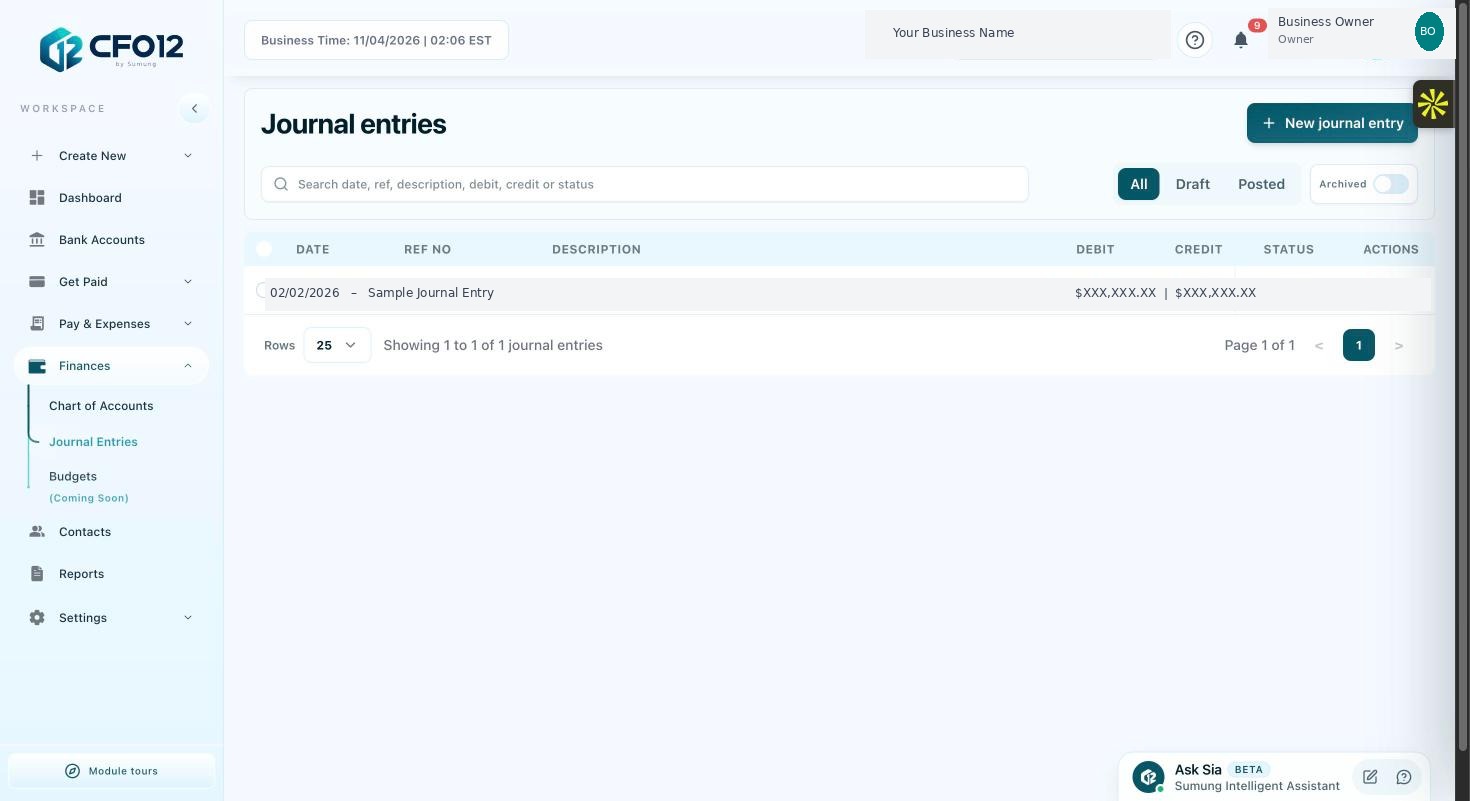
Organise and manage journal entries efficiently using status tabs and clear Ref Nos.
What You Can Do
- Use the Draft, Posted, and Archived tabs to organise entries by status.
- Use clear Reference numbering (e.g., JE-2026-001) to identify entries quickly.
- Post draft entries before month-end to ensure reports are accurate.
- Archive old entries to keep the active list uncluttered.
- Review posted entries in the General Ledger for a full audit trail.
💡 A systematic approach to journal entry management reduces errors and simplifies audits.
Related Articles
- How to View All Journal Entries
- How to Post a Journal Entry
- How to View the General Ledger Report
Was this article helpful?
Your feedback helps us improve our documentation.