
How to Post a Journal Entry

Posting a journal entry records it permanently in your books and includes it in financial reports. Open a draft journal entry.

Last updated

Quick answer

To post a journal entry in CFO12, go to Finances → Journal Entries, open the draft entry from the Draft tab and review every line to confirm debits equal credits. Click Post. The status changes from Draft to Posted, the entry moves to the Posted tab, and it is included in reports like the General Ledger.

Posting a journal entry records it permanently in your books and includes it in financial reports.
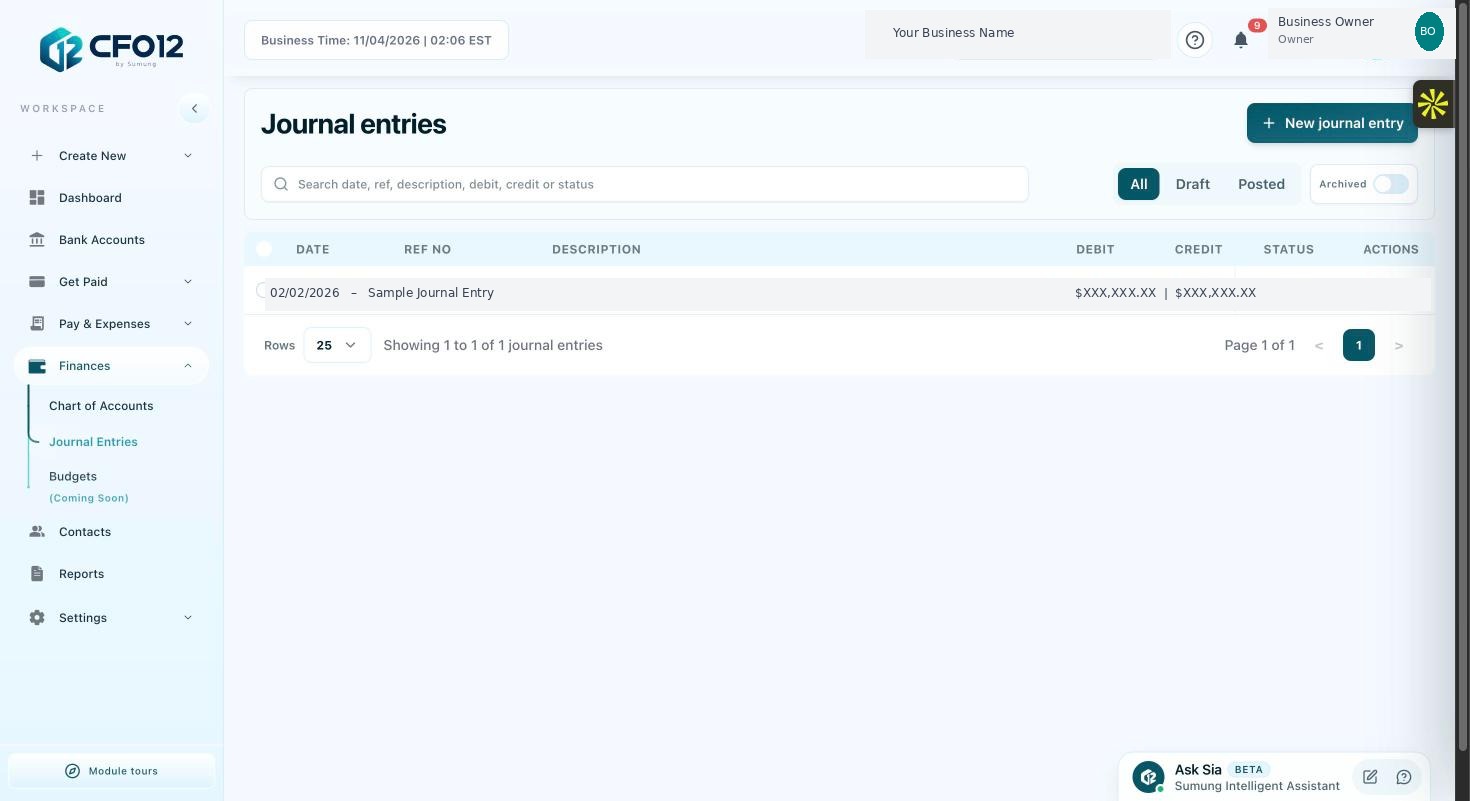
How to Post a Journal Entry screenshot

What You Can Do

  1. Open a draft journal entry.
  2. Review all line items to ensure debits equal credits.
  3. Click Post.
  4. The entry status changes from Draft to Posted.
  5. It now appears in the Posted tab and is included in reports like the General Ledger.

💡 Once posted, a journal entry is part of your official books. If you need to correct it, contact your accountant or accounting manager.

Related Articles

Was this article helpful?

Your feedback helps us improve our documentation.

Frequently asked questions

Do draft journal entries affect my financial reports?

No. Draft entries do not affect your financial reports until they are posted.

How do I find entries that still need posting before month end?

Go to Finances → Journal Entries and click the Draft tab to see all entries saved but not yet posted.

How can I confirm an entry posted to the right account?

Go to Reports → General Ledger and select the account. Each journal entry shows its date, Reference, debit, credit and running balance.

Complete guideJournal entries and the general ledger: CFO12 guide