Journal Entries let you record accounting adjustments directly into your books using debits and credits.
What You Can Do
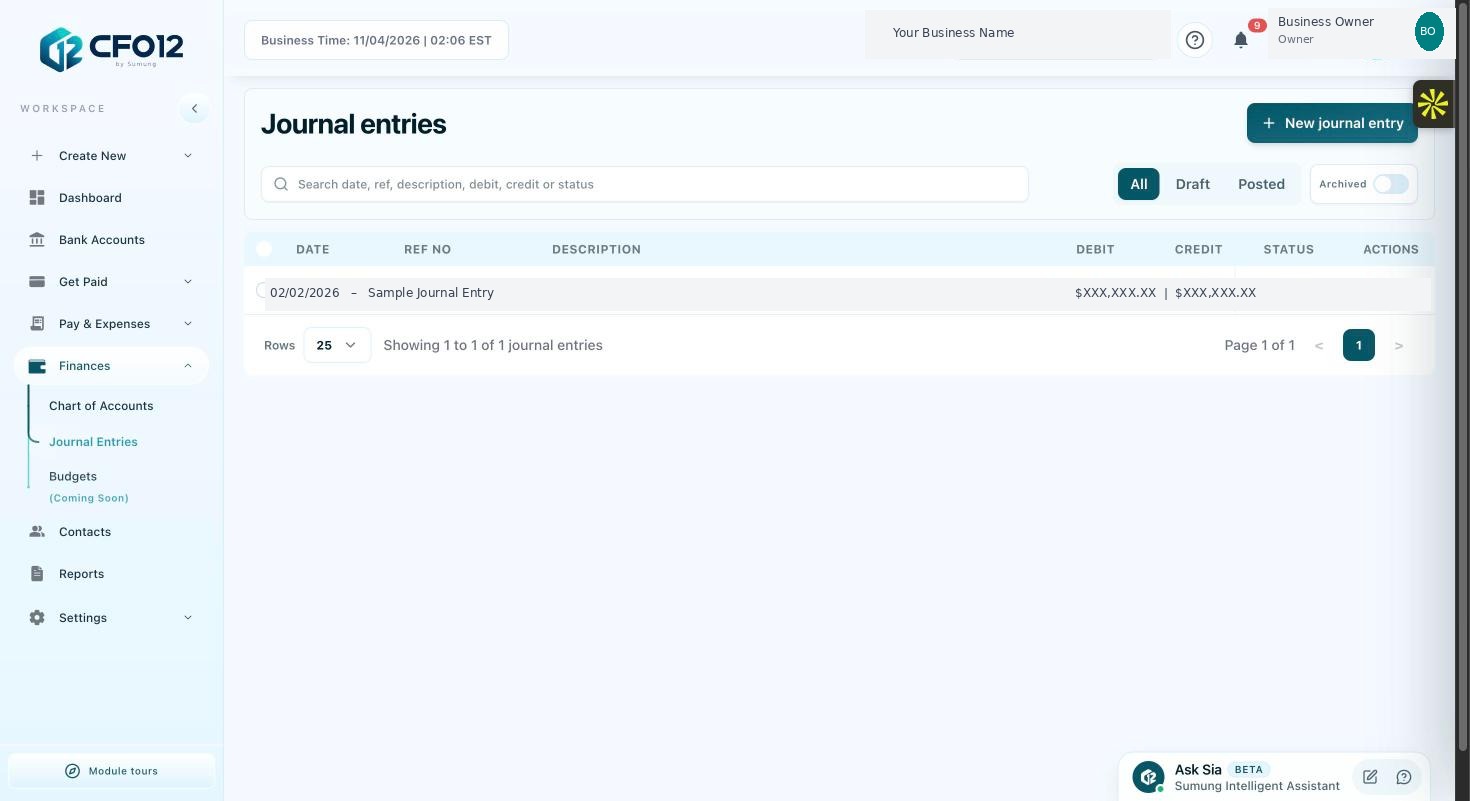
- In the left sidebar, click Finances > Journal Entries.
- The page shows all journal entries with tabs for Draft, Posted, and Archived.
- Each entry shows its date, reference, notes, amounts, and current status.
- Click New journal entry to create one.
- Journal entries are used for adjustments, opening balances, depreciation, and other accounting entries.
💡 Journal entries require accounting knowledge. Consult your accountant if you are unsure how to record an entry.
Related Articles
Was this article helpful?
Your feedback helps us improve our documentation.