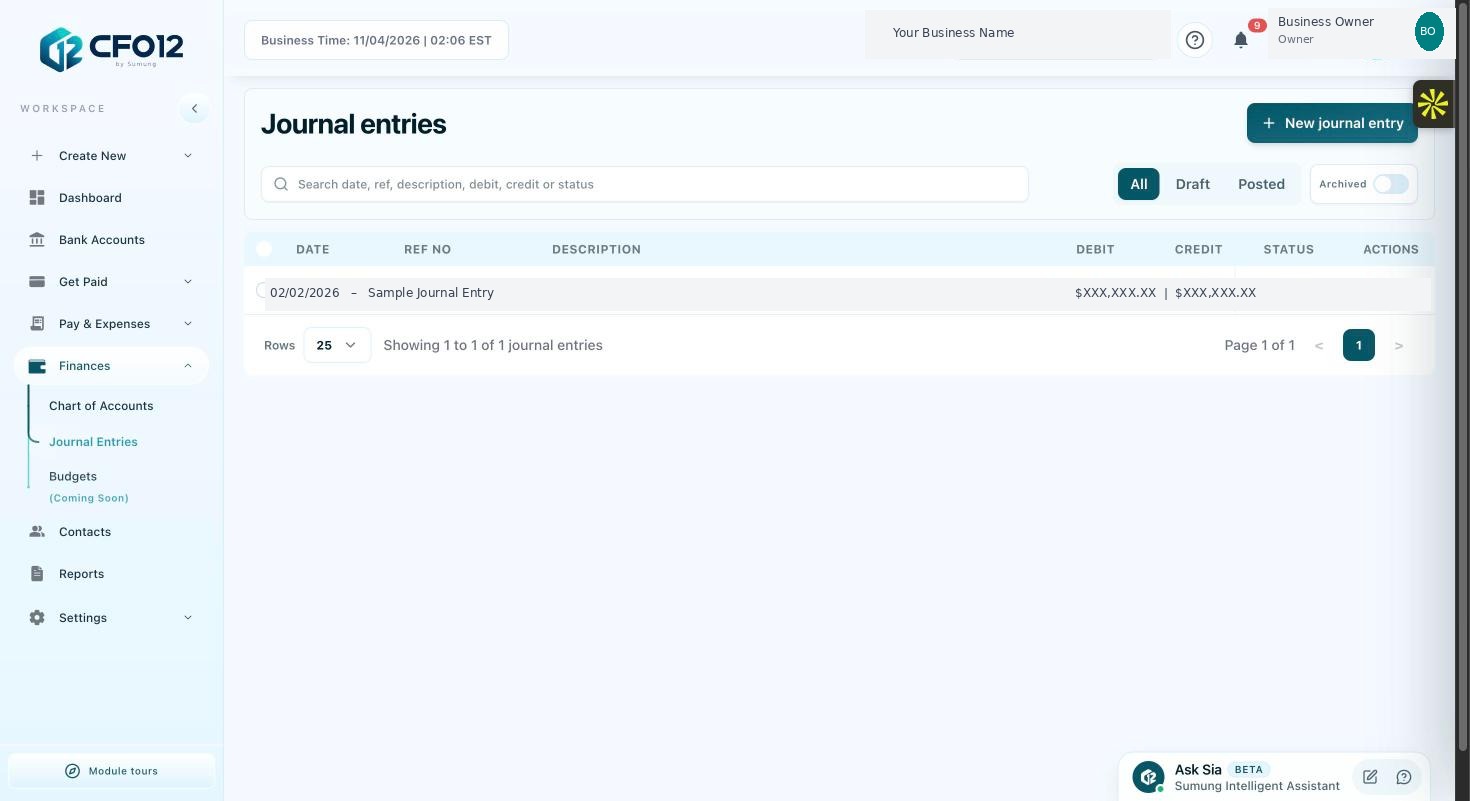
Journal entry line items define the accounts and amounts involved in the transaction.
What You Can Do
- Open or create a journal entry.
- Add a line item to the journal entry.
- Select the account from the Chart of Accounts.
- Enter either a debit amount or a credit amount for that line.
- Add additional lines until the entry is complete.
- Verify that total debits equal total credits before posting.
💡 A simple journal entry has two lines: one debit and one credit. Complex entries can have more.
Related Articles
Was this article helpful?
Your feedback helps us improve our documentation.