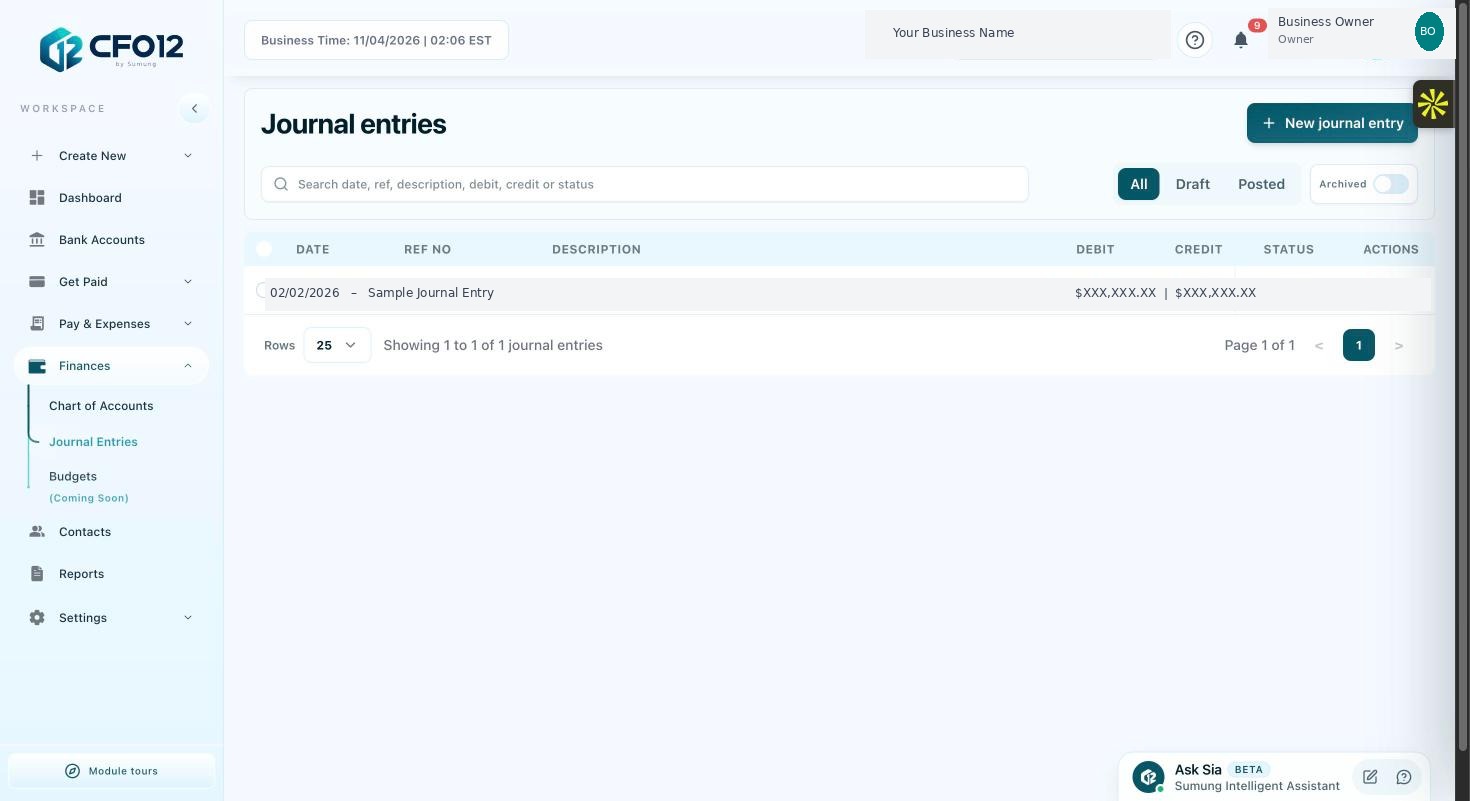
The Journal Entries page shows every journal entry.
What You Can Do
- Go to Finances > Journal Entries.
- The page opens showing every journal entry by default.
- Each entry shows its date, reference, notes, amounts, and current status.
- Use the status tabs to filter: Draft, Posted, or Archived.
- Click an entry to open and review it.
💡 The Journal Entries page is your starting point for reviewing all journal activity.
Related Articles
- How to View Draft Journal Entries
- How to View Posted Journal Entries
- Overview of Journal Entries
Was this article helpful?
Your feedback helps us improve our documentation.