
How to Create a New Journal Entry

Create a journal entry in CFO12 to record accounting adjustments or transactions not covered by invoices or bills. Go to Finances > Journal Entries.

Last updated

Quick answer

To create a journal entry in CFO12, go to Finances → Journal Entries and click New journal entry. Set the entry date, add a Reference number and Memo/Notes, then add line items, each with an account and either a debit or credit amount. Check total debits equal total credits, then Save as Draft or Post.

Create a journal entry in CFO12 to record accounting adjustments or transactions not covered by invoices or bills.
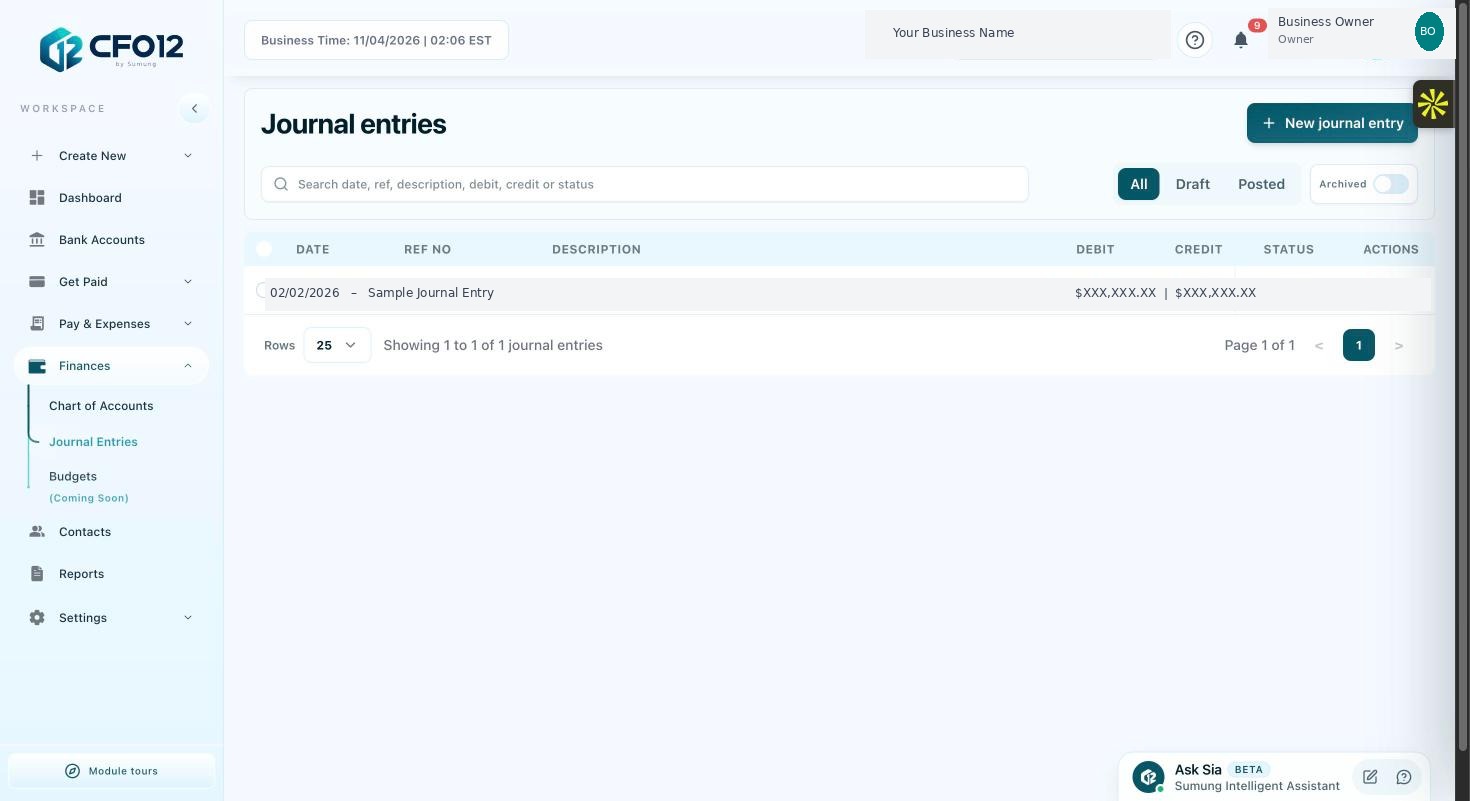
How to Create a New Journal Entry screenshot

What You Can Do

  1. Go to Finances > Journal Entries.
  2. Click New journal entry.
  3. Set the entry date.
  4. Add a Reference number and Memo/Notes for reference.
  5. Add line items — each with an account and either a debit or credit amount.
  6. Ensure total debits equal total credits.
  7. Save as Draft or Post the entry.

💡 Use a clear Ref No and Description so you can find and understand this entry later.

Related Articles

Was this article helpful?

Your feedback helps us improve our documentation.

Frequently asked questions

Which date should I give a journal entry?

Use the date the transaction actually occurred. The entry date determines which accounting period it is recorded in, which affects period reports like a monthly Profit & Loss.

What is a good reference numbering format?

Use a consistent system such as JE-2026-001 or ADJ-Q4-2026 so entries are easy to find in the list, reports and audits.

Can I delete a journal entry I created by mistake?

Only draft entries can be deleted. Open the Draft tab, click the delete action on the entry and confirm; the entry is permanently removed.

Complete guideJournal entries and the general ledger: CFO12 guide