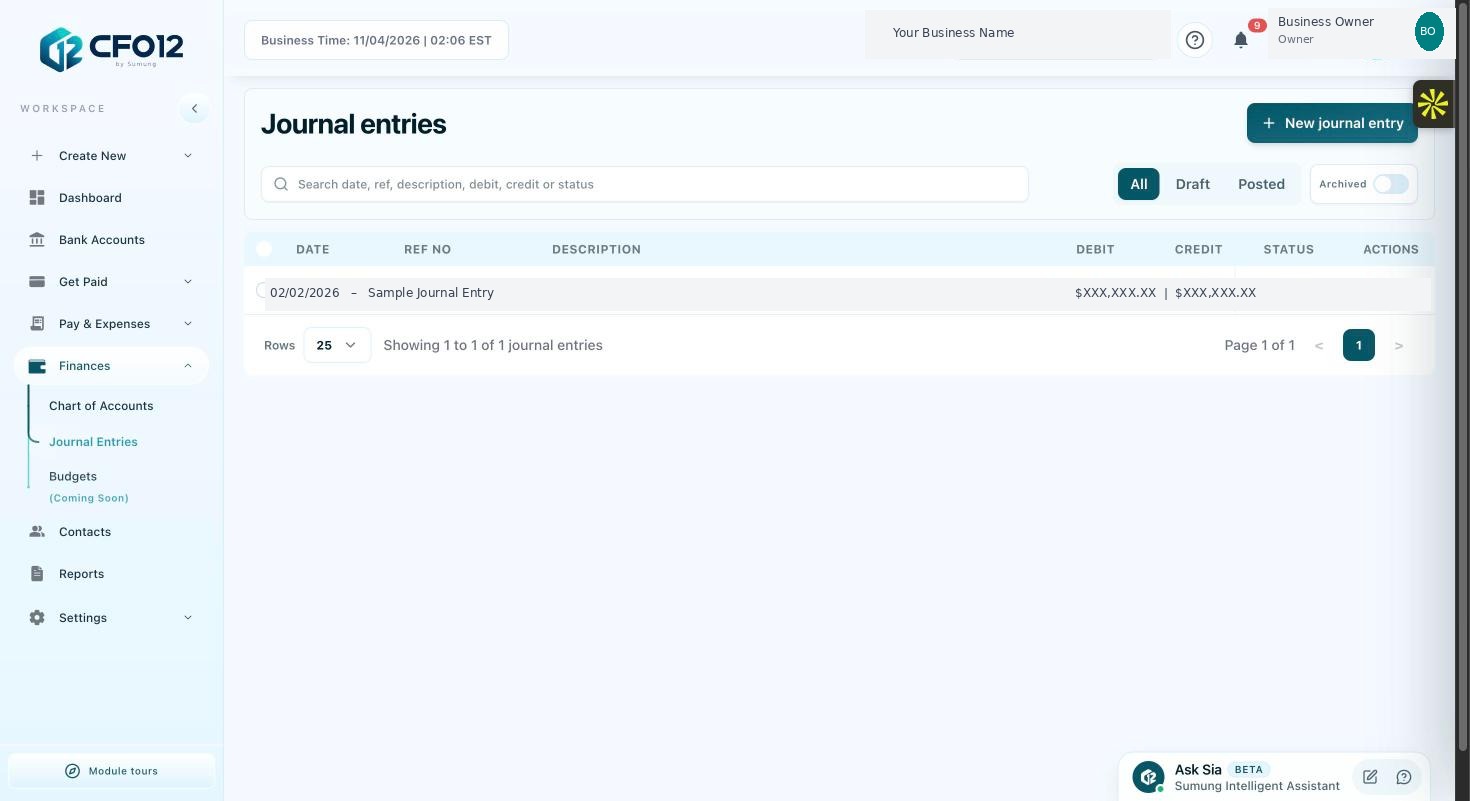
Archive a journal entry to remove it from active views without deleting it.
What You Can Do
- Go to Finances > Journal Entries.
- Find the entry you want to archive.
- Click the archive action.
- Confirm the action.
- The entry moves to the Archived tab.
💡 Archive completed or old entries to keep your active journal entries list focused.
Related Articles
Was this article helpful?
Your feedback helps us improve our documentation.