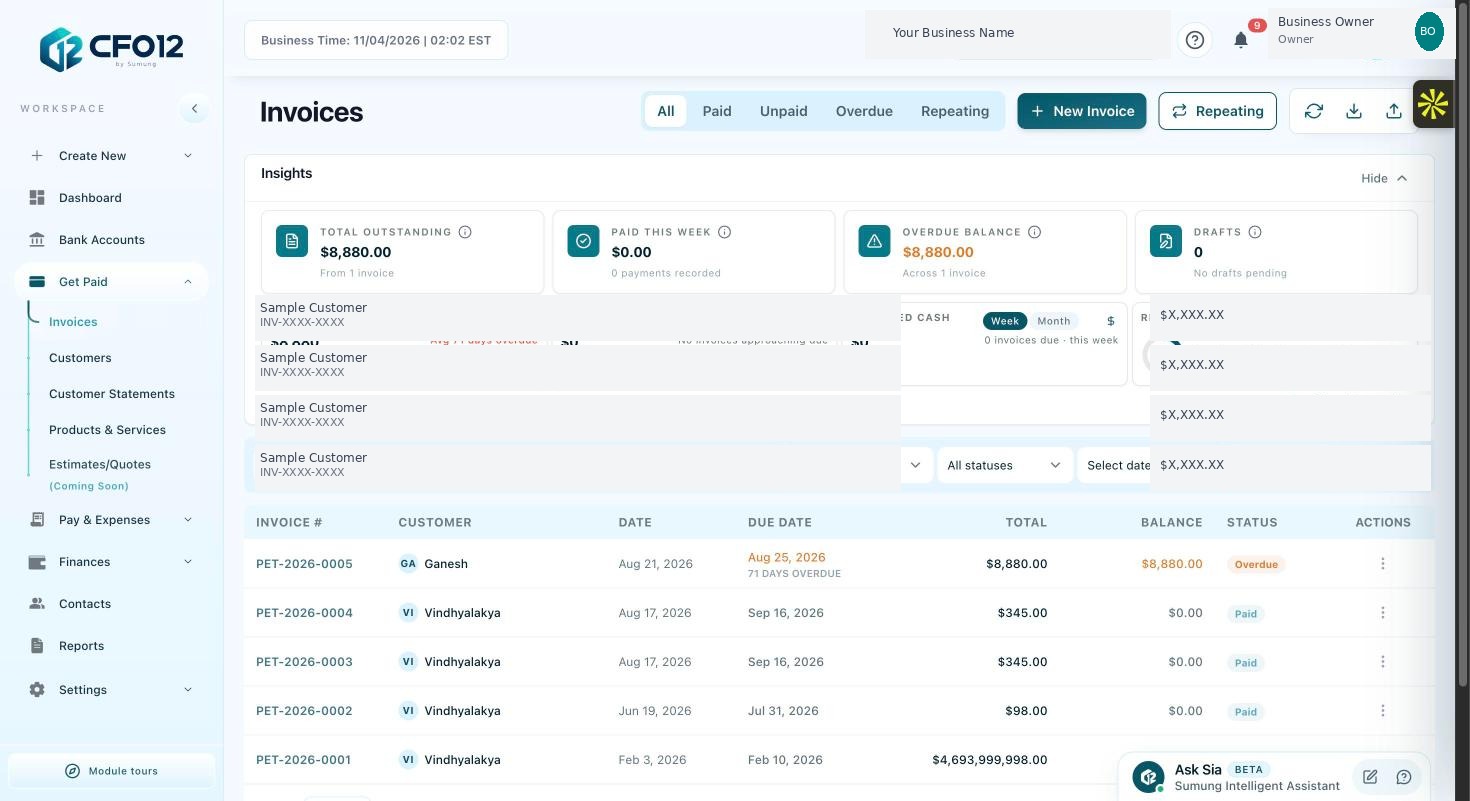
The Repeating tab shows invoices that have been set up with a recurring schedule.
What You Can Do
- Go to Get Paid > Invoices.
- Click the Repeating tab.
- This view shows all invoices configured to send on a repeating schedule.
- Use this tab to monitor and manage your repeating invoices.
💡 Repeating invoices save time for customers you bill on a regular schedule.
Related Articles
Was this article helpful?
Your feedback helps us improve our documentation.