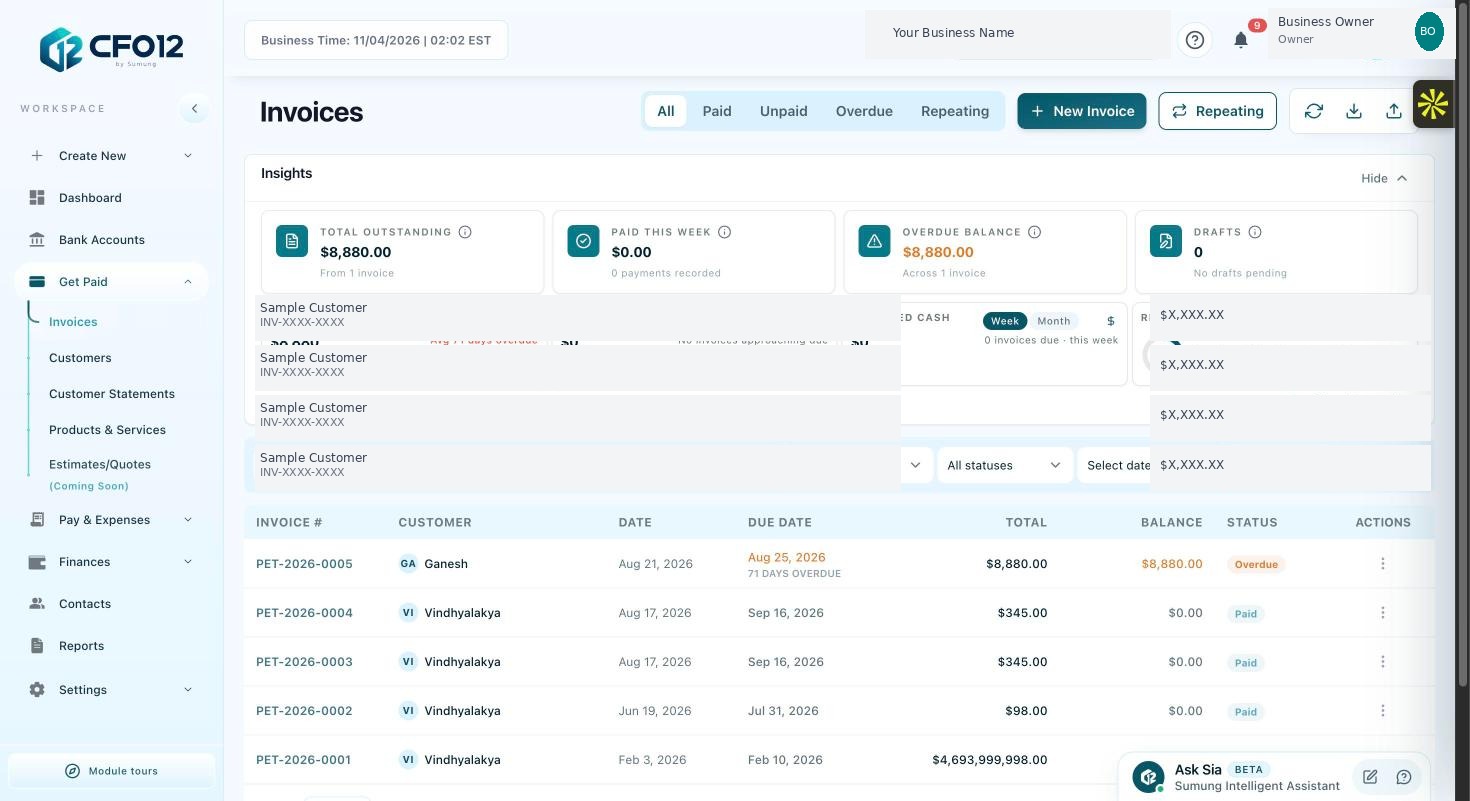
Invoice Insights provides a visual summary of your invoicing activity and payment trends.
What You Can Do
- Go to Get Paid > Invoices.
- Click the Insights tab at the top of the invoice list.
- The Insights panel shows widgets: Total Outstanding, Paid This Week, Overdue Balance, Drafts, Overdue Revenue, Approaching Due, Expected Cash (with Week/Month toggle), and Revenue Confidence. Each widget has a drag handle so you can reorder the layout.
- To hide the Insights panel, click Hide. To show it again, click Insights.
💡 Insights help you spot trends in customer payments and outstanding balances at a glance.
Related Articles
- How to View All Invoices
- How to Filter Invoices by Status
- What Is the Profit & Loss Report?
Was this article helpful?
Your feedback helps us improve our documentation.