Filtering invoices by customer lets you quickly see all invoices for a specific customer.
What You Can Do
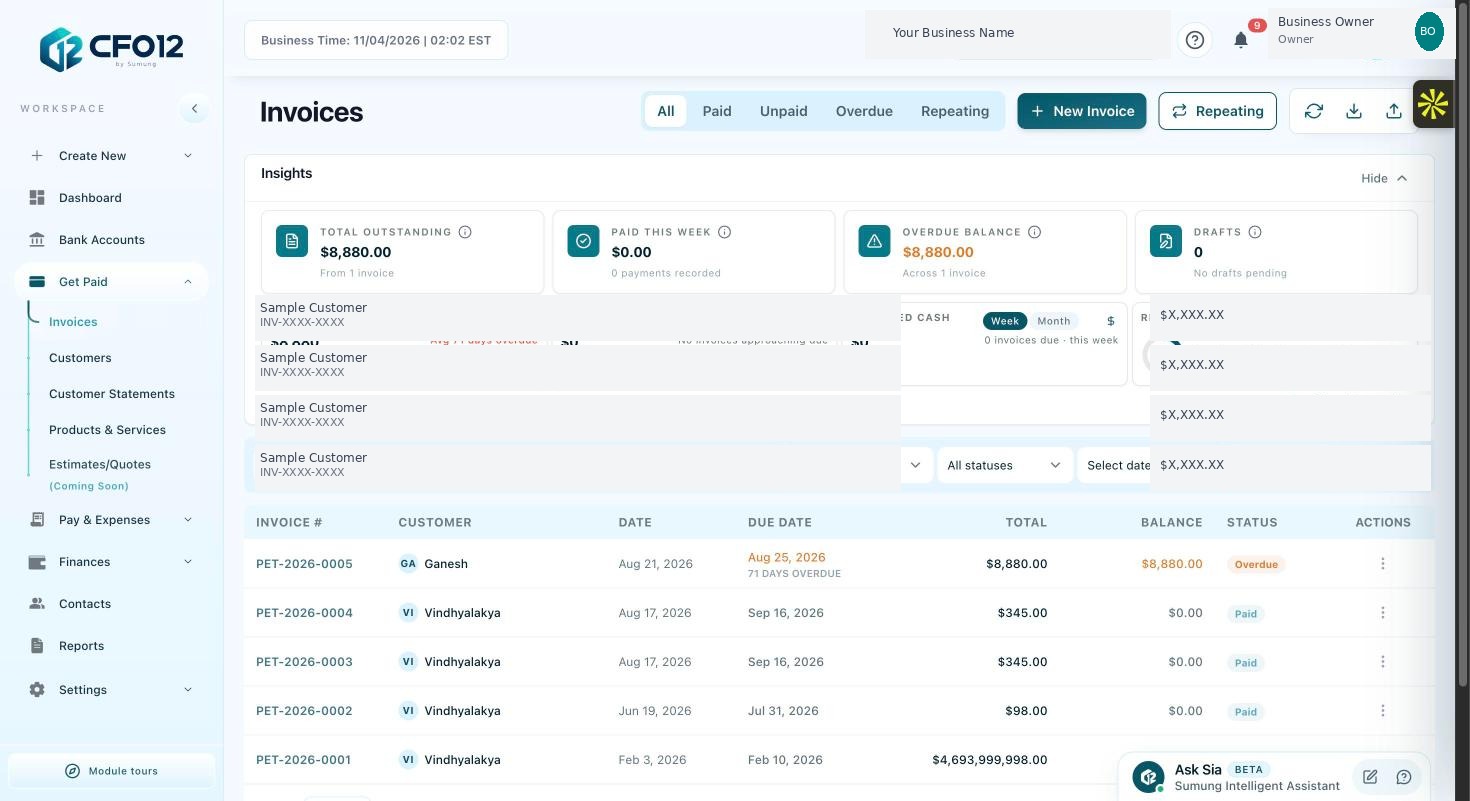
- Go to Get Paid > Invoices.
- Click the All customers dropdown at the top of the invoice list.
- Select a customer from the list.
- The invoice list updates to show only invoices for that customer.
- Remove the filter to return to the full list.
💡 This is useful for reviewing a customer's billing history before a call or meeting.
Related Articles
Was this article helpful?
Your feedback helps us improve our documentation.