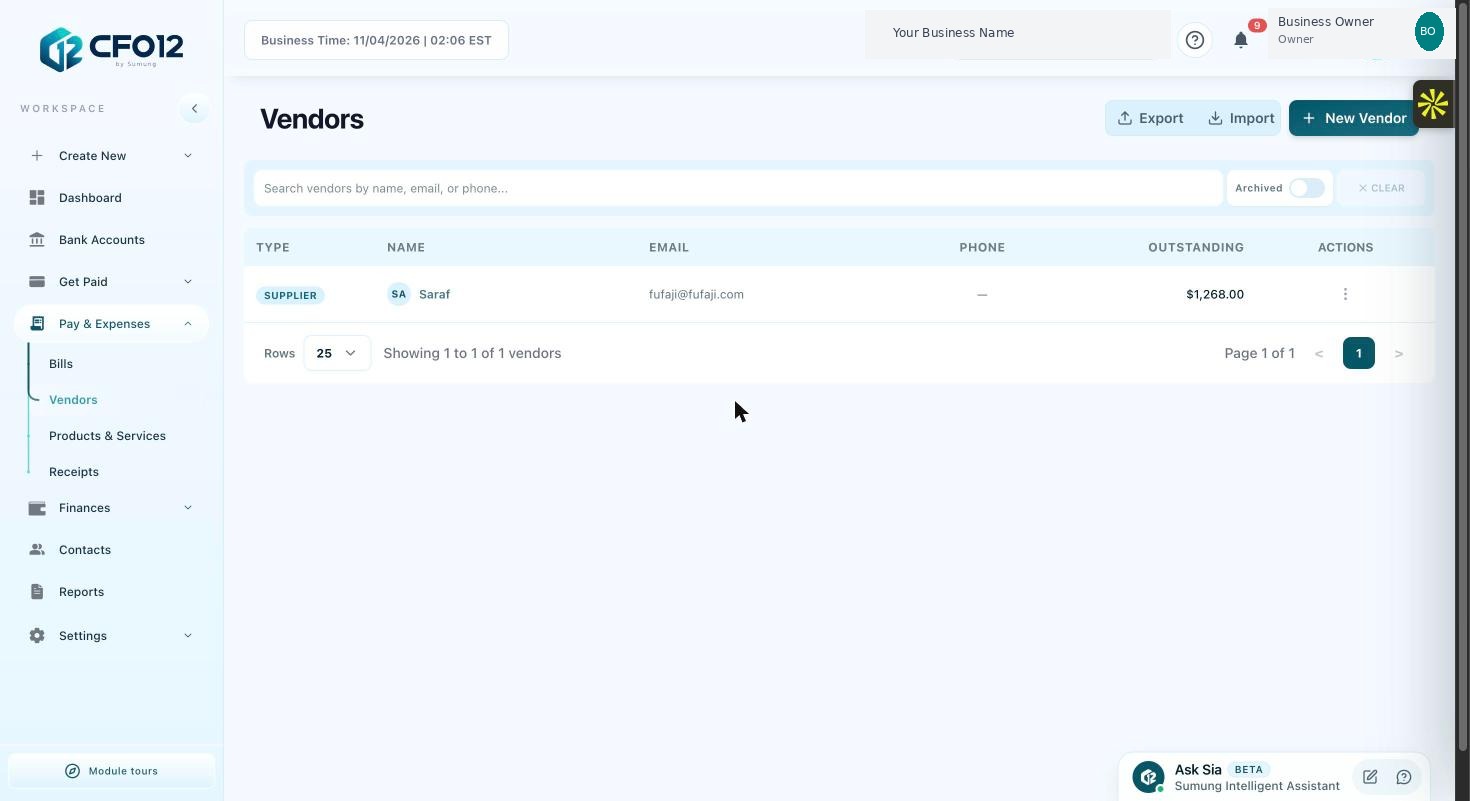
The Vendors list in CFO12 provides a quick overview of all your suppliers.
What You Can Do
- Go to Pay & Expenses > Vendors.
- The list displays key details for each vendor.
- The outstanding balance reflects the total unpaid bill balance for each vendor.
- Use the action options on each row to edit, archive, or take other actions on a vendor.
💡 Sort or filter the list to find vendors quickly based on name or outstanding balance.
Related Articles
Was this article helpful?
Your feedback helps us improve our documentation.