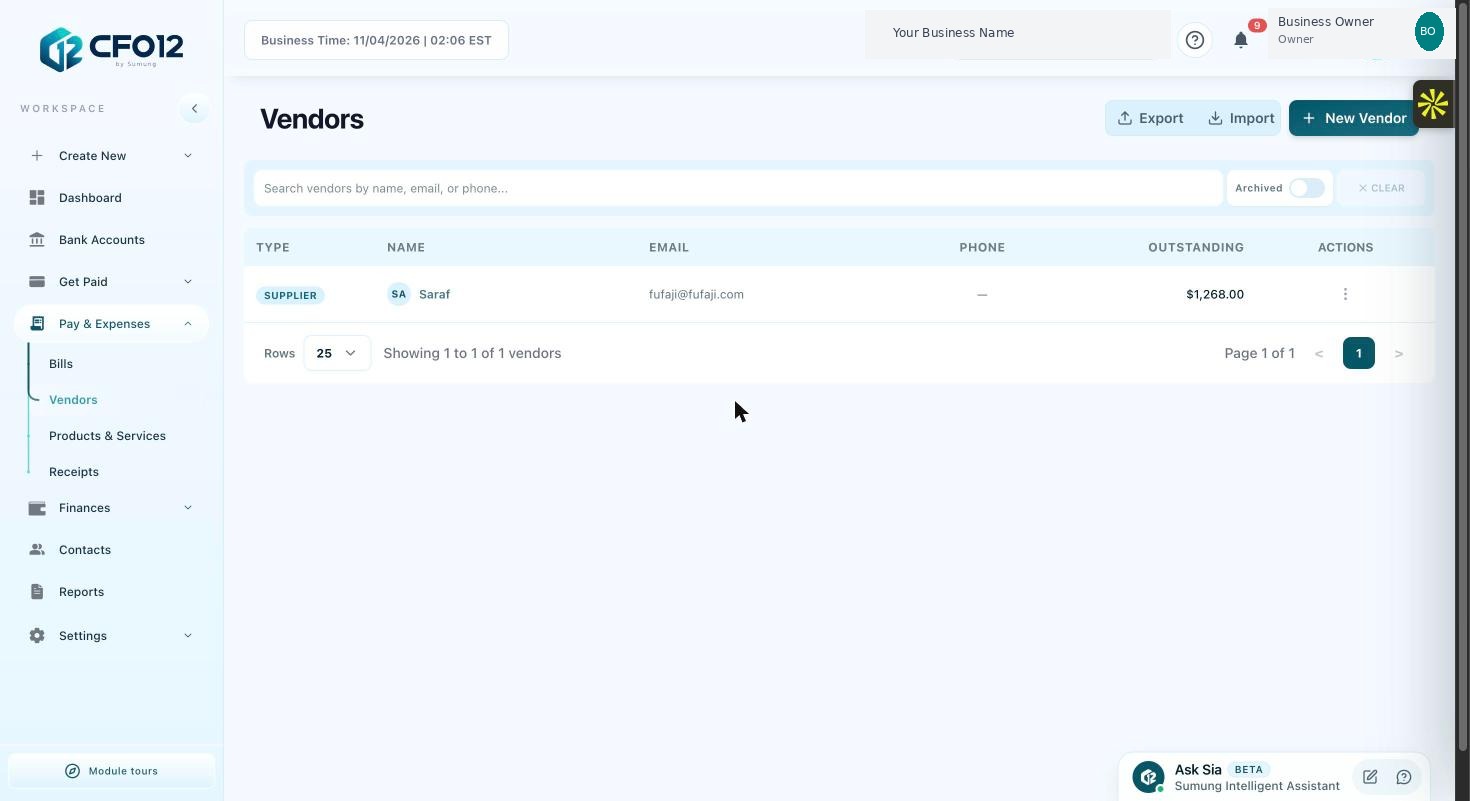
The Vendors list shows the total amount owed to each vendor.
What You Can Do
- Go to Pay & Expenses > Vendors.
- Find the vendor in the list.
- The outstanding balance shown in the Vendors list is the total unpaid bill balance for that vendor.
- Click the vendor's name to open their detail page for a full bill history.
💡 Regularly reviewing outstanding balances helps you prioritise vendor payments.
Related Articles
- How to View All Bills
- How to Record a Payment on a Bill
- How to View the Aged Payables Report
Was this article helpful?
Your feedback helps us improve our documentation.