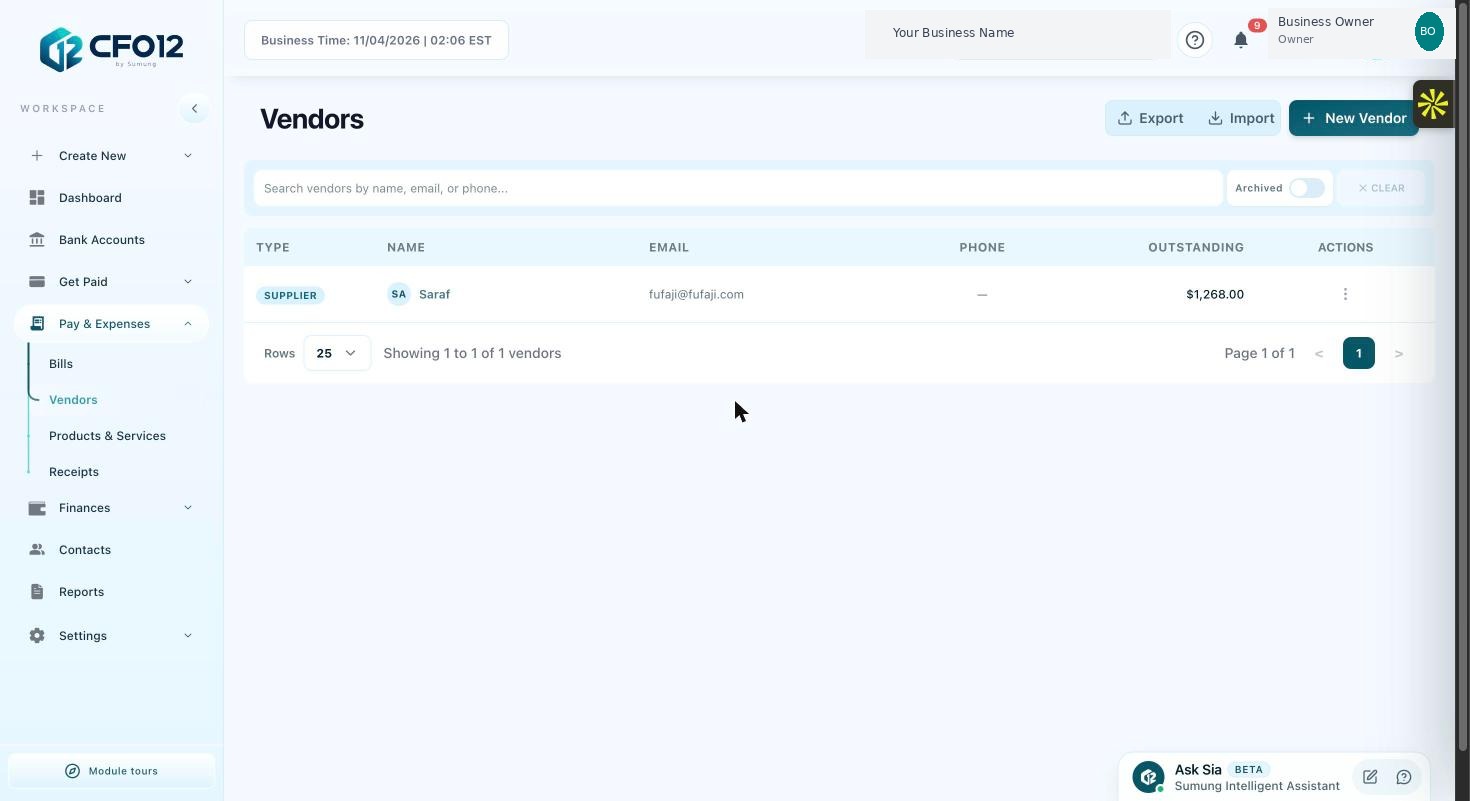
Adding a vendor to CFO12 lets you create bills and track spending with that supplier.
What You Can Do
- Go to Pay & Expenses > Vendors, or click Create New > New Vendor.
- Click New Vendor.
- Enter the Contact name (required), and optionally First name, Last name, and Email.
- Set the Contact type to Supplier.
- Optionally add an address and other optional details.
- Click Create Contact to save.
💡 Keeping vendor records up to date helps speed up bill creation and reconciliation.
Related Articles
Was this article helpful?
Your feedback helps us improve our documentation.