You can set a custom due date on any bill to reflect the payment agreement with your vendor.
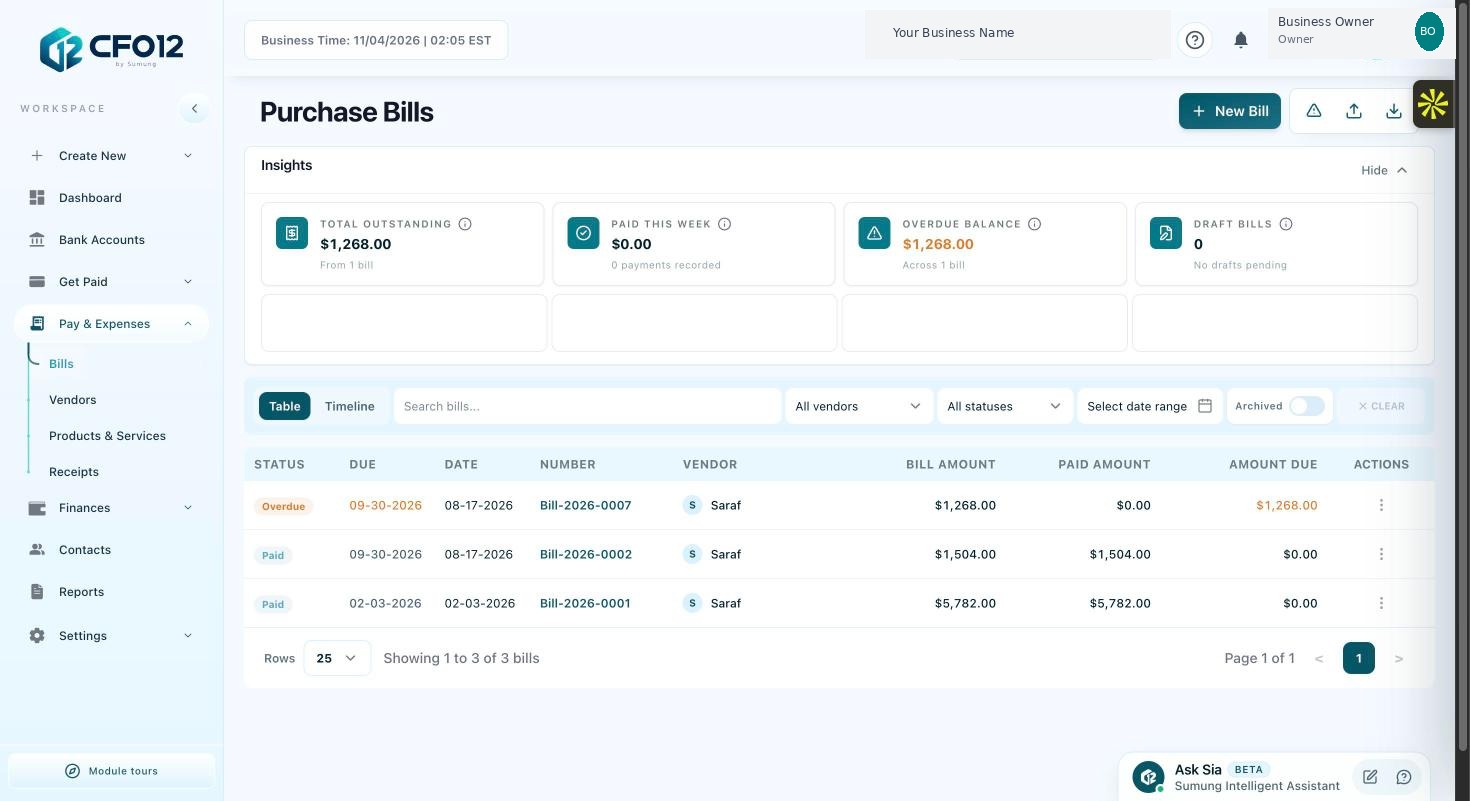
What You Can Do
- Open or create a bill.
- Click the Due Date field.
- Enter the due date that matches your agreement with the vendor.
- Save the bill. The new due date is used for Aged Payables calculations.
💡 Setting accurate due dates ensures your Aged Payables report reflects real payment obligations.
Related Articles
- How to Set the Bill Due Date
- How to View the Aged Payables Report
- How to Record a Payment on a Bill
Was this article helpful?
Your feedback helps us improve our documentation.