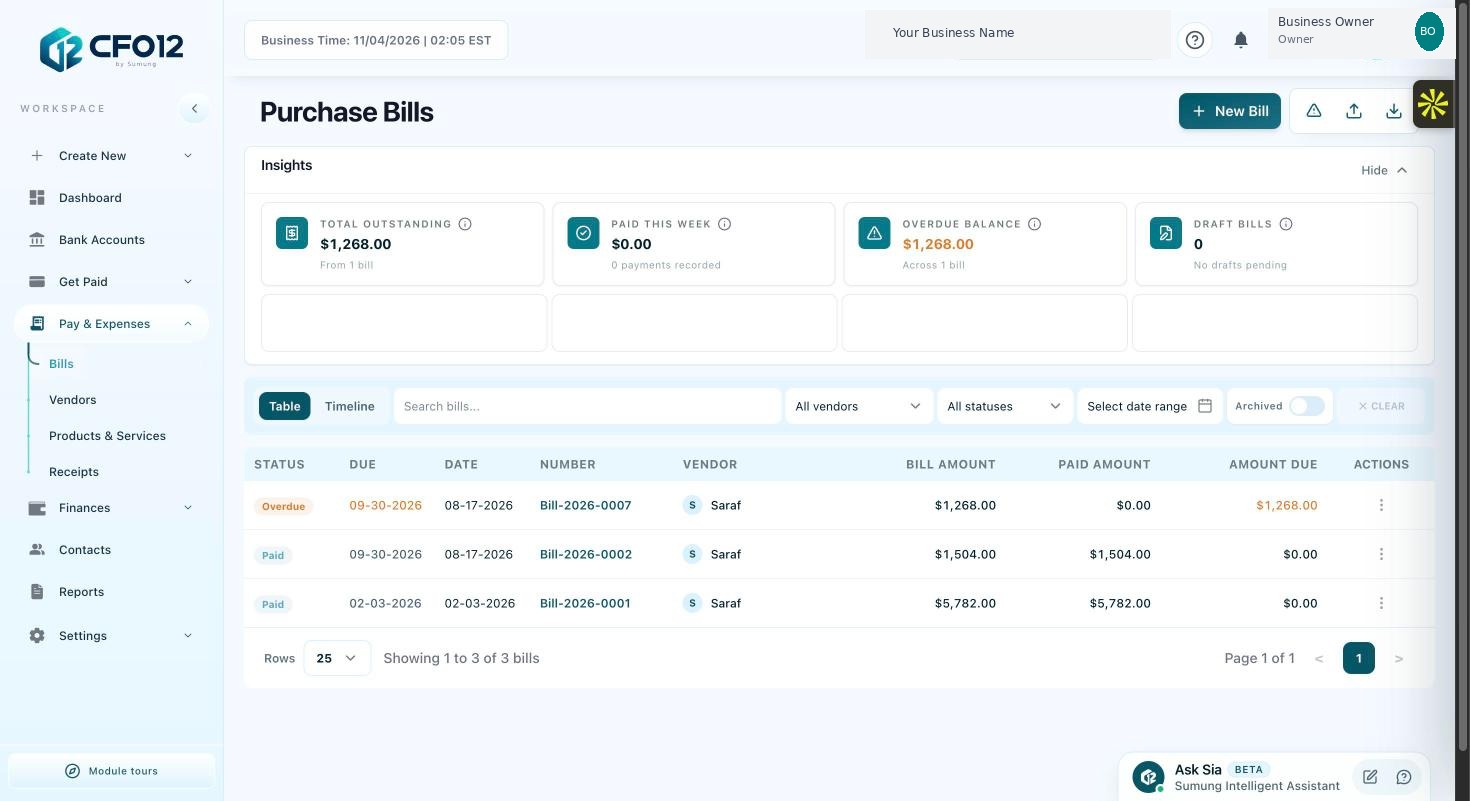
The due date tells you when the bill needs to be paid to the vendor.
What You Can Do
- Open or create a bill.
- Click the Due Date field.
- Select the due date from the date picker.
- Bills past their due date appear in the Aged Payables report.
💡 Set accurate due dates so you can use the Aged Payables report to prioritise payments.
Related Articles
- How to Set the Bill Date
- How to View the Aged Payables Report
- How to Record a Payment on a Bill
Was this article helpful?
Your feedback helps us improve our documentation.