Any bill saved as a draft can be edited before it is approved.
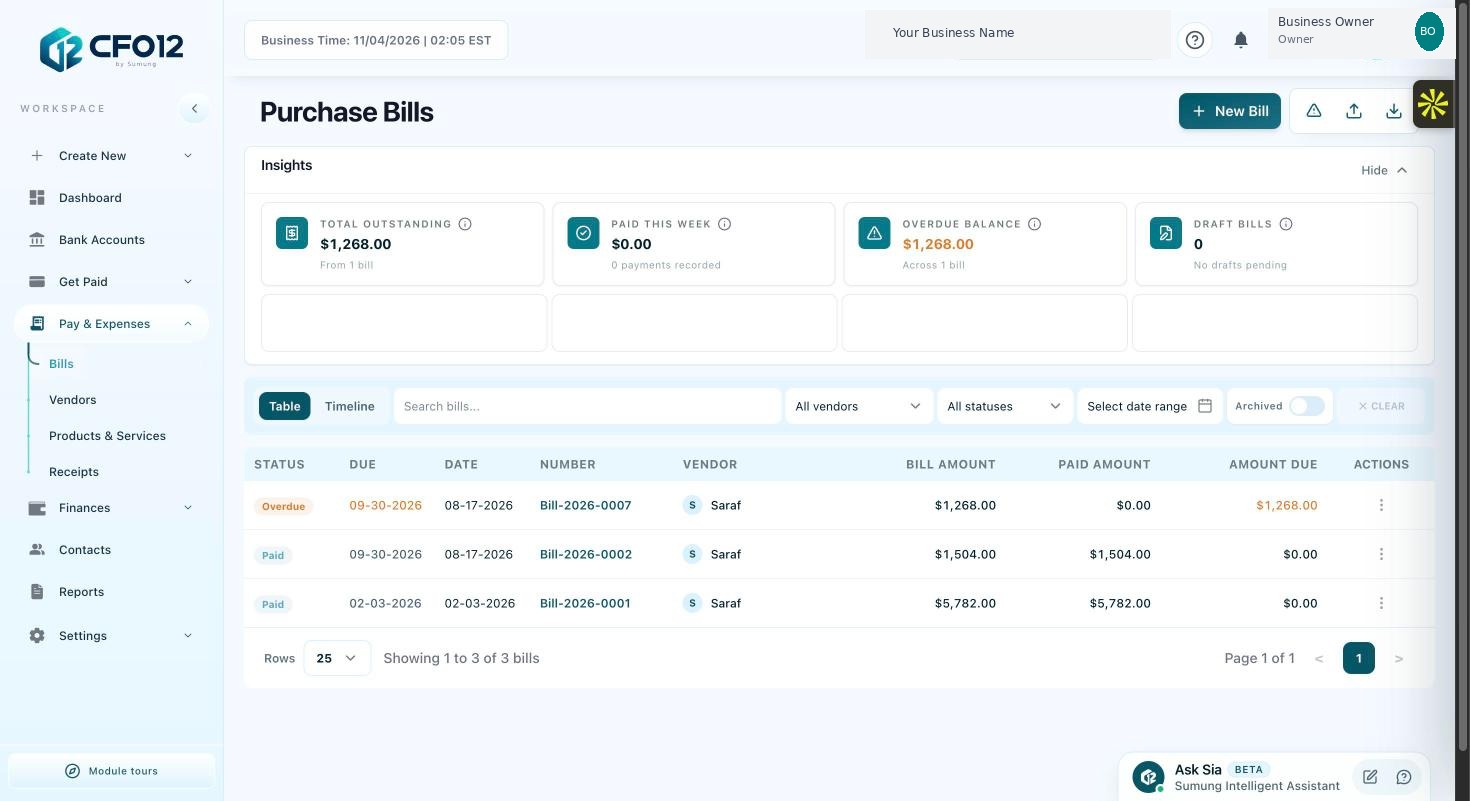
What You Can Do
- Go to Pay & Expenses > Bills.
- Click on the draft bill you want to edit.
- Make your changes to any fields — supplier, dates, line items, notes.
- Click Save as Draft to save your changes without approving, or Approve to finalise.
💡 Once a bill is approved, some fields may be locked. Edit drafts before approving.
Related Articles
Was this article helpful?
Your feedback helps us improve our documentation.