The transaction history shows every recorded movement in and out of a specific bank account.
What You Can Do
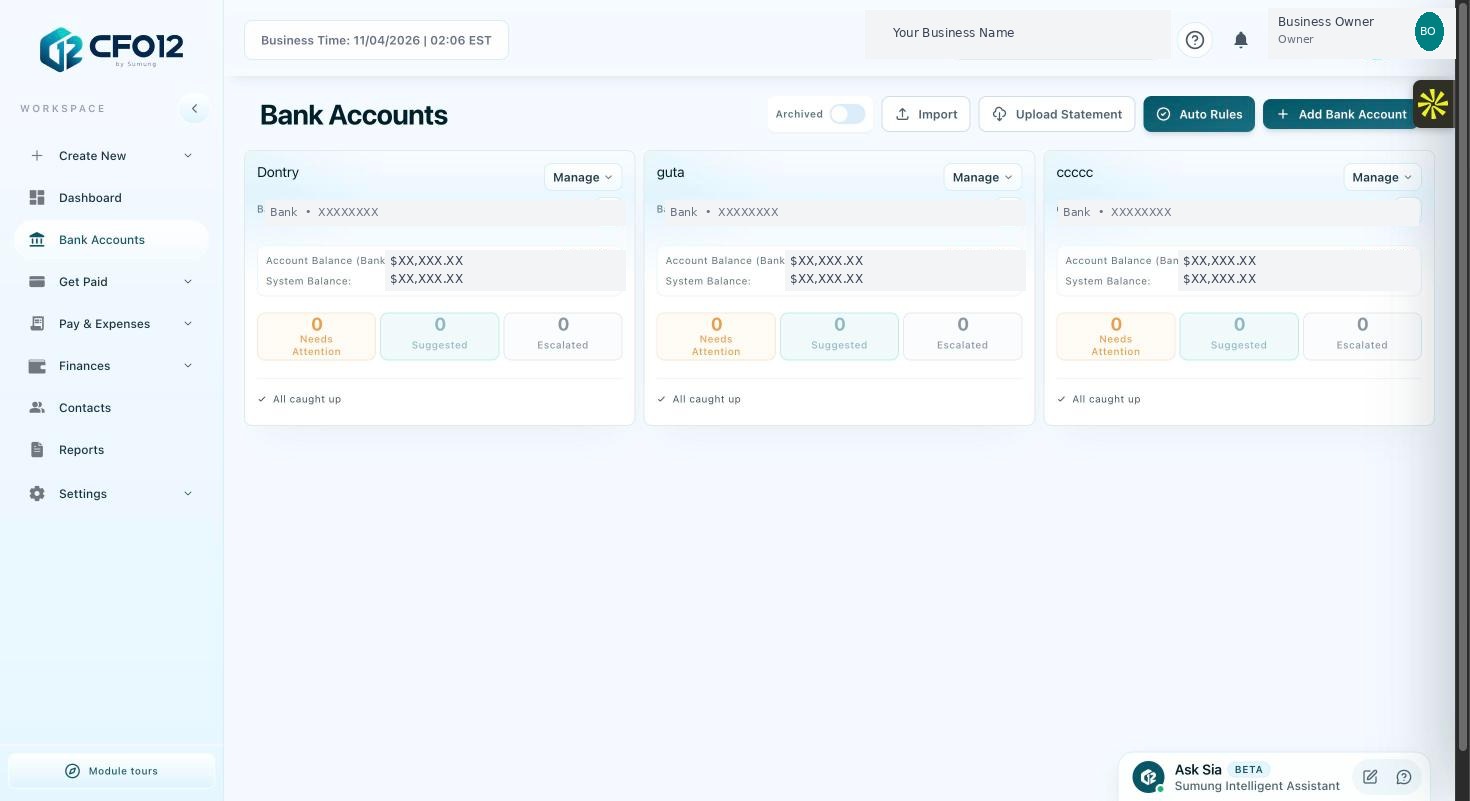
- Go to Bank Accounts.
- Click the account whose history you want to view.
- The full transaction history is displayed.
- Use date filters to focus on a specific period.
- Review each transaction for accuracy.
💡 A complete transaction history is essential for accurate reconciliation and financial reporting.
Related Articles
- How to Filter Bank Transactions by Date
- How to Reconcile Bank Transactions
- How to Export Bank Transactions
Was this article helpful?
Your feedback helps us improve our documentation.