Use date filters on a bank account to view transactions from a specific period.
What You Can Do
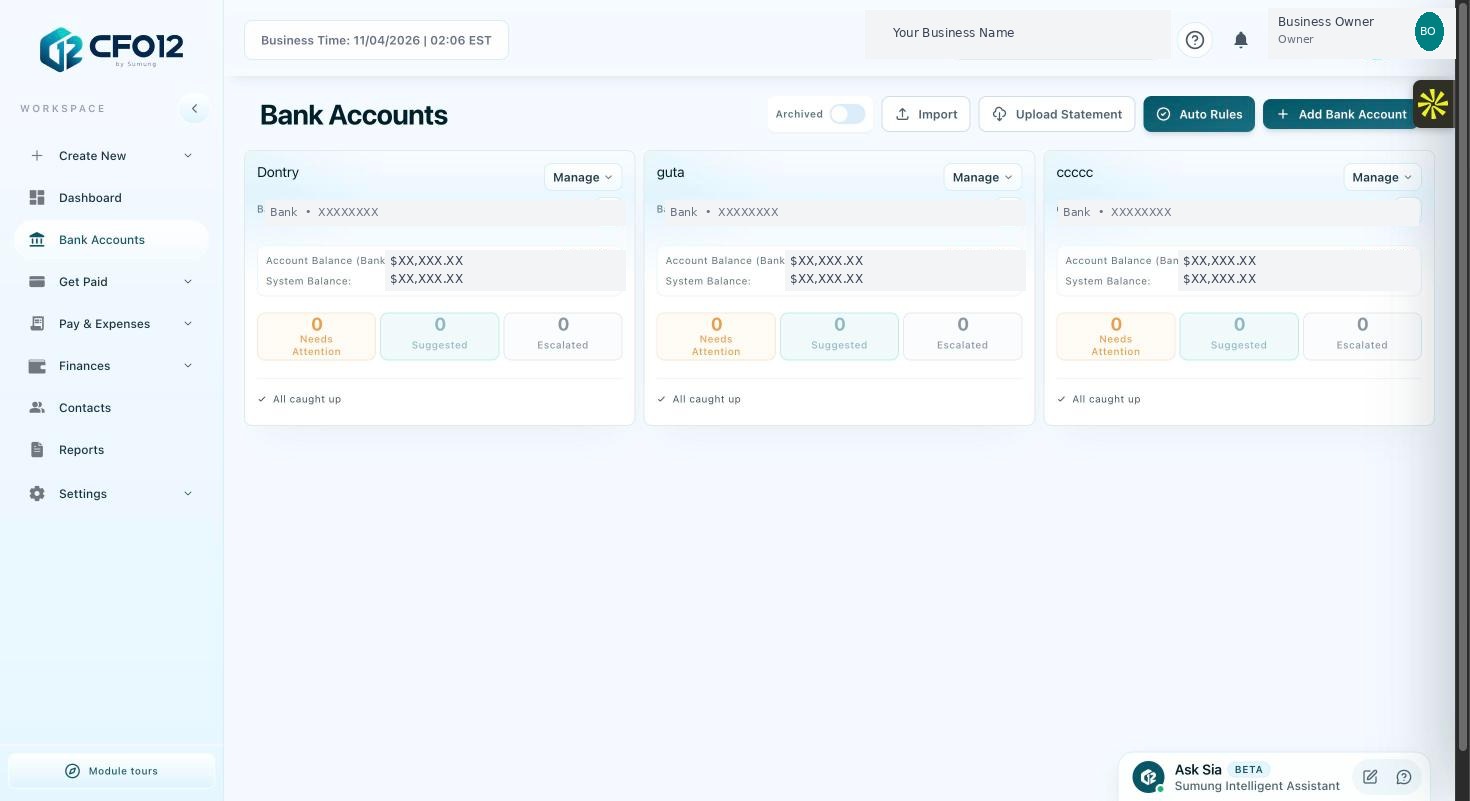
- Open a bank account from the Bank Accounts page.
- Use the date range filter to select a start and end date.
- The transaction list updates to show only transactions in that period.
- Remove the date filter to show all transactions.
💡 Filtering by month is useful for monthly reconciliation and financial reporting.
Related Articles
- How to Reconcile Bank Transactions
- How to View Bank Account Transactions
- How to Export Bank Transactions
Was this article helpful?
Your feedback helps us improve our documentation.