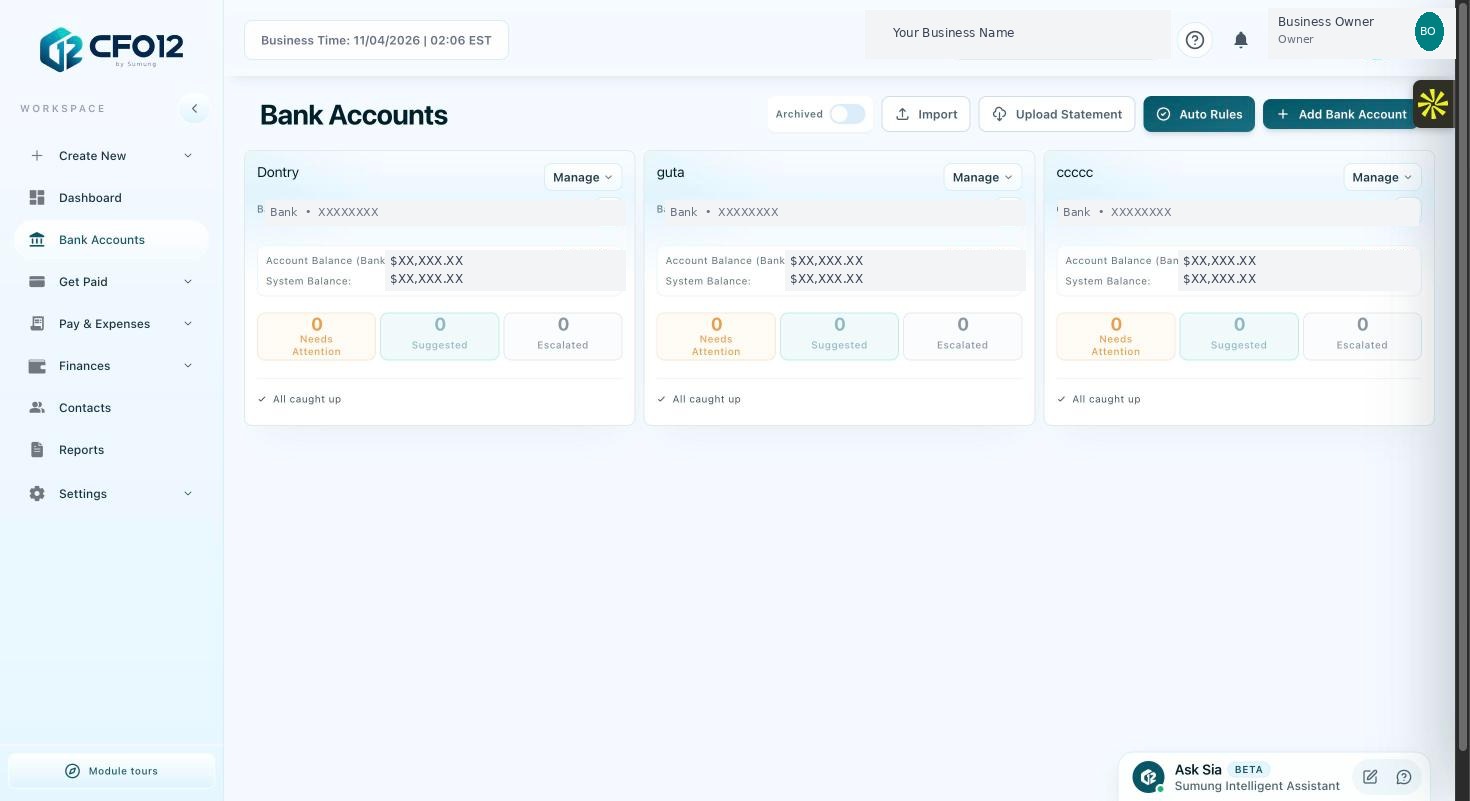
The balance shown for each bank account reflects all recorded transactions in CFO12.
What You Can Do
- Go to Bank Accounts.
- The balance of each account is shown on the Bank Accounts page.
- Compare this balance with your bank statement to verify they match.
- If balances differ, check for missing imports or uncategorised transactions.
💡 Your Opening Balance in Financial Settings affects the starting balance for each account.
Related Articles
- How to Set an Opening Balance
- How to Reconcile Bank Transactions
- How to Import Bank Transactions
Was this article helpful?
Your feedback helps us improve our documentation.