Reviewing bank activity over a period helps you understand cash inflows and outflows.
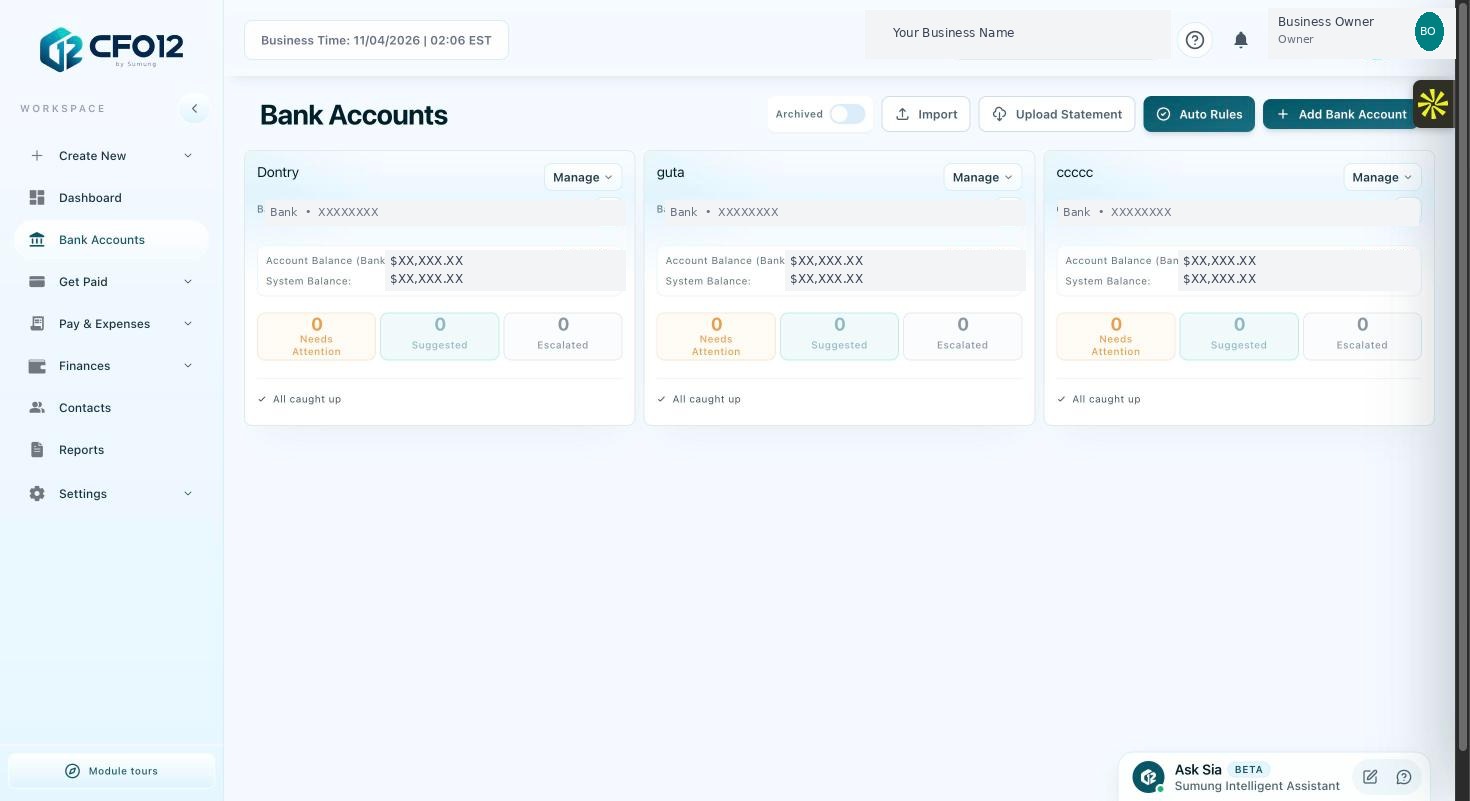
What You Can Do
- Open a bank account and use the date range filter.
- Set a period such as the last month or quarter.
- Review the transactions in the filtered list.
- Also check Reports > Cash Flow for a summary of cash activity.
💡 Quarterly bank account reviews are a good habit for monitoring business cash flow.
Related Articles
- How to Filter Bank Transactions by Date
- How to View the Cash Flow Report
- How to Reconcile Bank Transactions
Was this article helpful?
Your feedback helps us improve our documentation.