Regularly monitoring bank activity in CFO12 keeps you informed about your cash position.
What You Can Do
- Import transactions regularly to keep your bank accounts current.
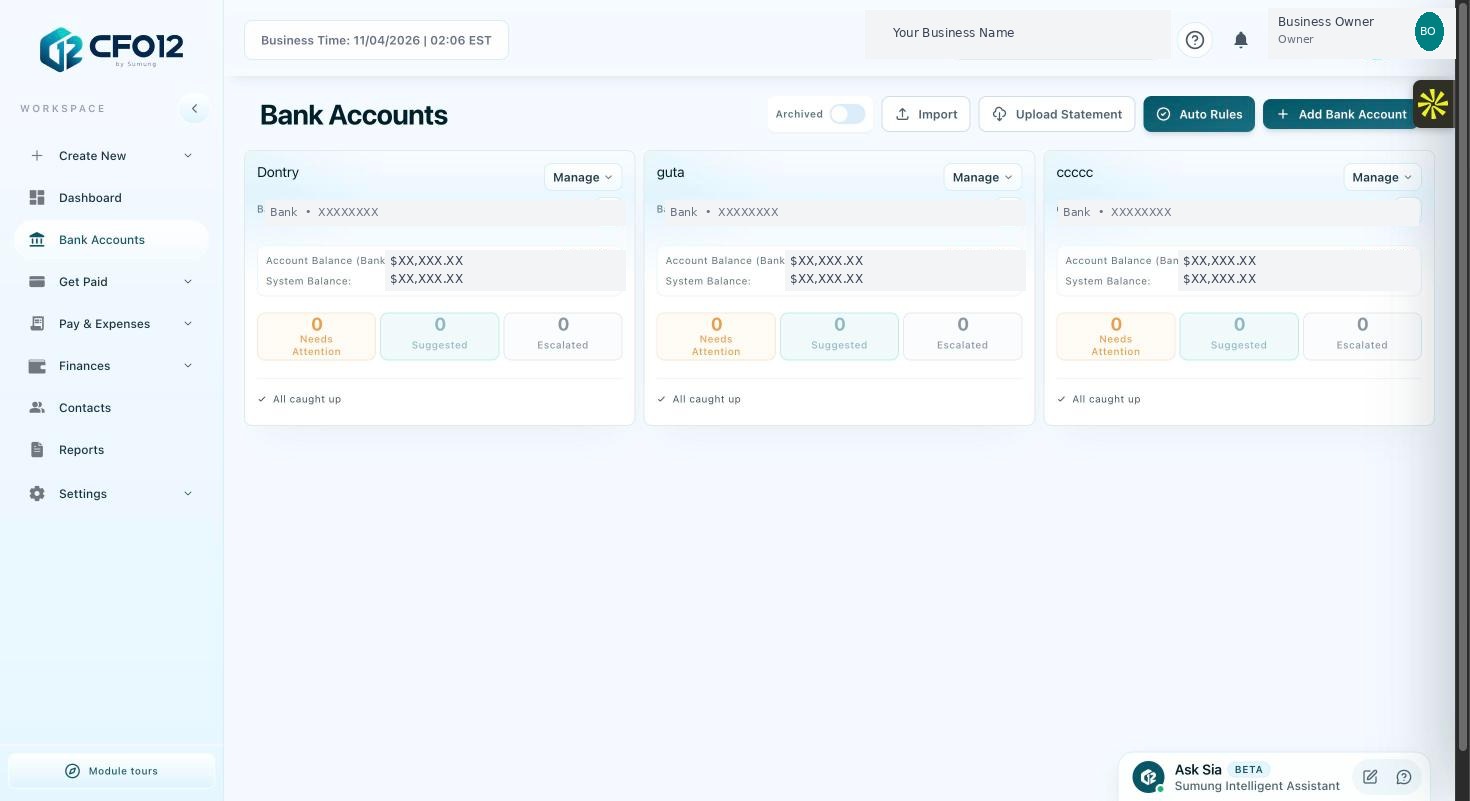
- Review the balance of each account from the Bank Accounts overview.
- Open individual accounts to see recent transactions.
- Go to Reports > Cash Flow for a summary of cash in and out.
💡 Use financial reports to get a summary of your current cash position anytime.
Related Articles
- How to View the Cash Flow Report
- How to Import Bank Transactions
Was this article helpful?
Your feedback helps us improve our documentation.