Bank account transactions show both incoming (income) and outgoing (expense) activity.
What You Can Do
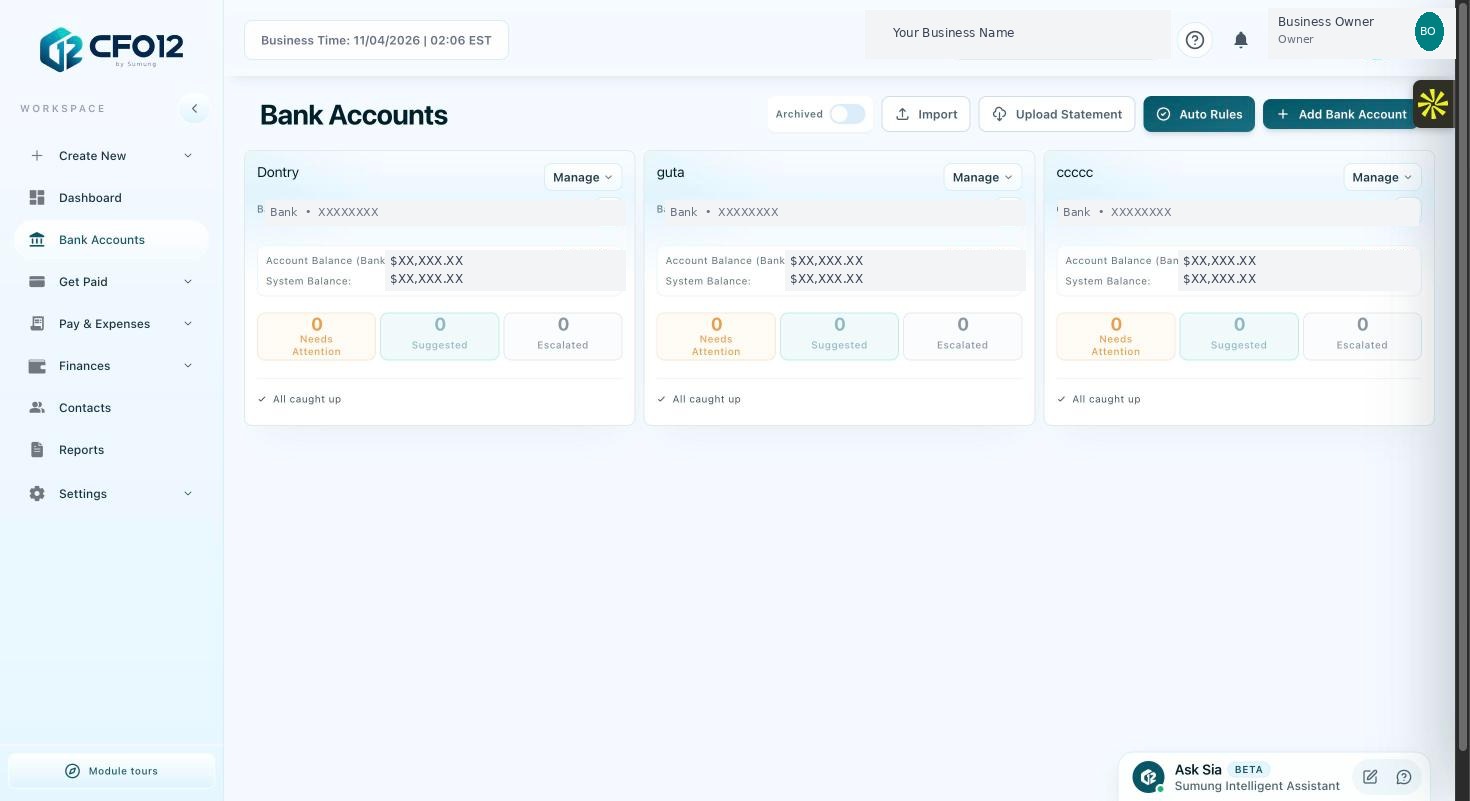
- Open a bank account from the Bank Accounts page.
- Income transactions show positive amounts (money received).
- Expense transactions show negative or outgoing amounts (money spent).
- Categorise income to the correct income account and expenses to the correct expense account.
- Correctly categorised transactions flow into your Profit & Loss report.
💡 Separating income and expense transactions is fundamental to accurate bookkeeping.
Related Articles
- How to Categorise a Bank Transaction
- What Is the Profit & Loss Report?
- How to Reconcile Bank Transactions
Was this article helpful?
Your feedback helps us improve our documentation.