After importing transactions, review auto rule results to confirm they were categorised correctly.
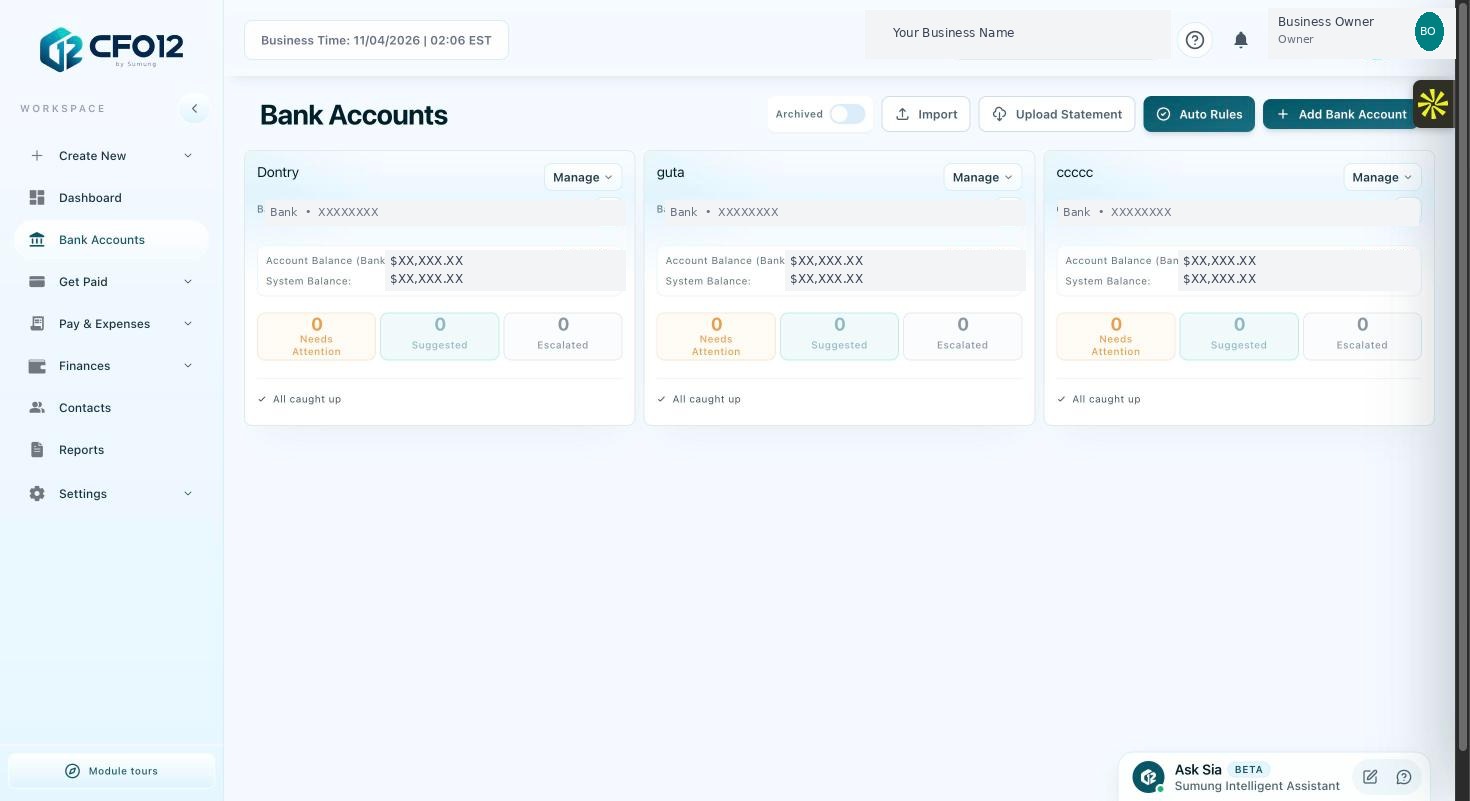
What You Can Do
- Import bank transactions into the account.
- Go to the transaction list and review any transactions categorised by Auto Rules.
- Verify the assigned account is correct for each automatically categorised transaction.
- Edit any that were assigned incorrectly.
- Update Auto Rules if you notice patterns of incorrect matching.
💡 Auto Rules work best when transaction descriptions are consistent from your bank.
Related Articles
- What Are Auto Rules?
- How to Set Up Auto Rules
- How to Categorise a Bank Transaction
Was this article helpful?
Your feedback helps us improve our documentation.