Export bank transactions for external review, audit, or use in other tools.
What You Can Do
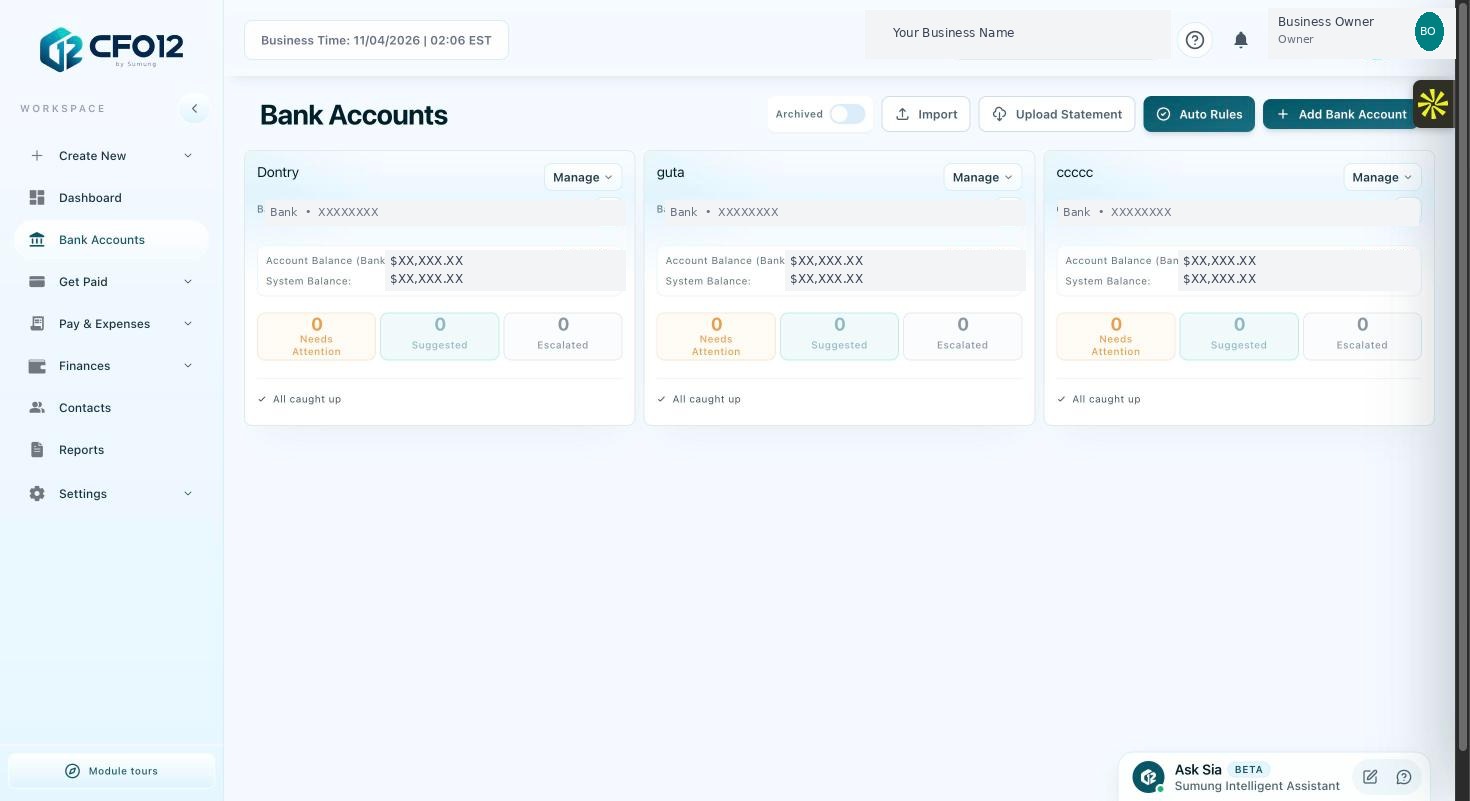
- Open the bank account you want to export from.
- Look for the Export option in the transaction view.
- The transaction data is downloaded as a file.
- Open it in a spreadsheet application to review.
💡 Exporting transactions monthly gives you a backup and aids in year-end reconciliation.
Related Articles
Was this article helpful?
Your feedback helps us improve our documentation.