Remove an incorrectly imported or duplicate transaction from a bank account.
What You Can Do
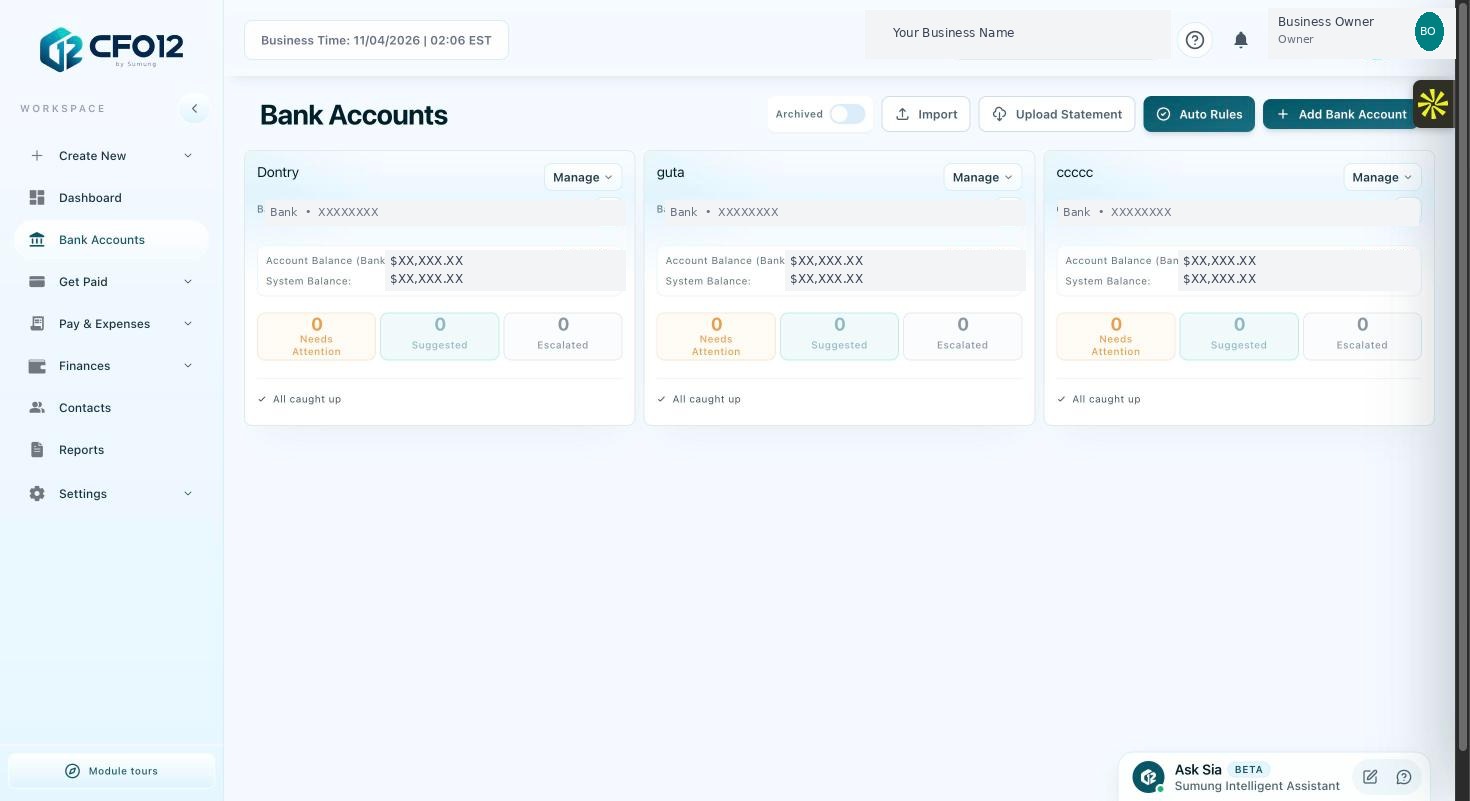
- Open the bank account and find the transaction you want to delete.
- Click the delete option for the transaction.
- Confirm the deletion.
- The transaction is permanently removed from the account.
💡 Delete transactions only if they are truly duplicates or errors. Categorise real transactions instead.
Related Articles
Was this article helpful?
Your feedback helps us improve our documentation.