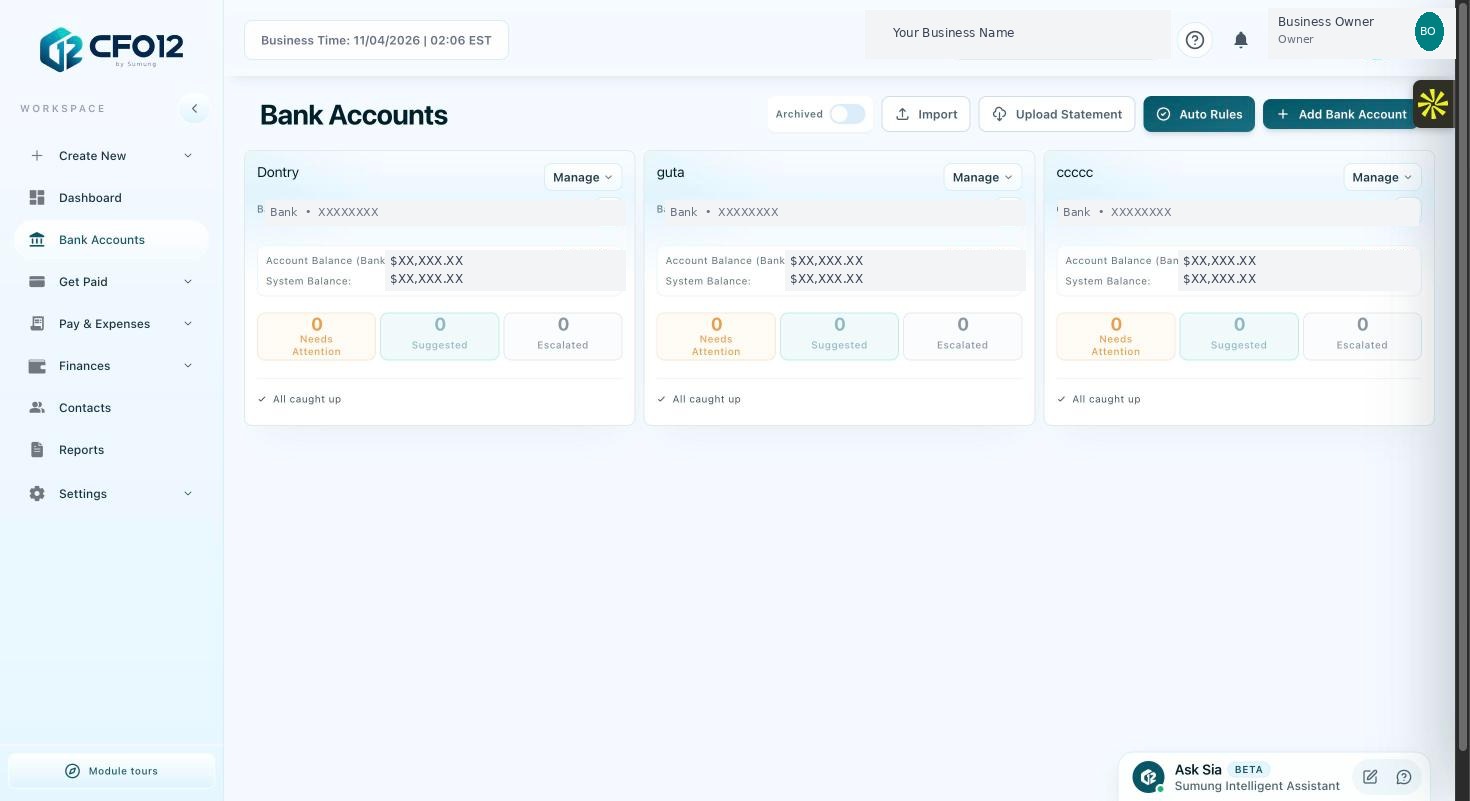
Bank Accounts is a top-level item in the CFO12 sidebar for quick access.
What You Can Do
- Look for Bank Accounts in the left sidebar.
- Click Bank Accounts to open the accounts overview page.
- From there, click any account to view its transactions.
- Use Add Bank Account to add a new account without leaving the section.
💡 Bank Accounts is at the top of the sidebar because it is used so frequently in day-to-day accounting.
Related Articles
Was this article helpful?
Your feedback helps us improve our documentation.