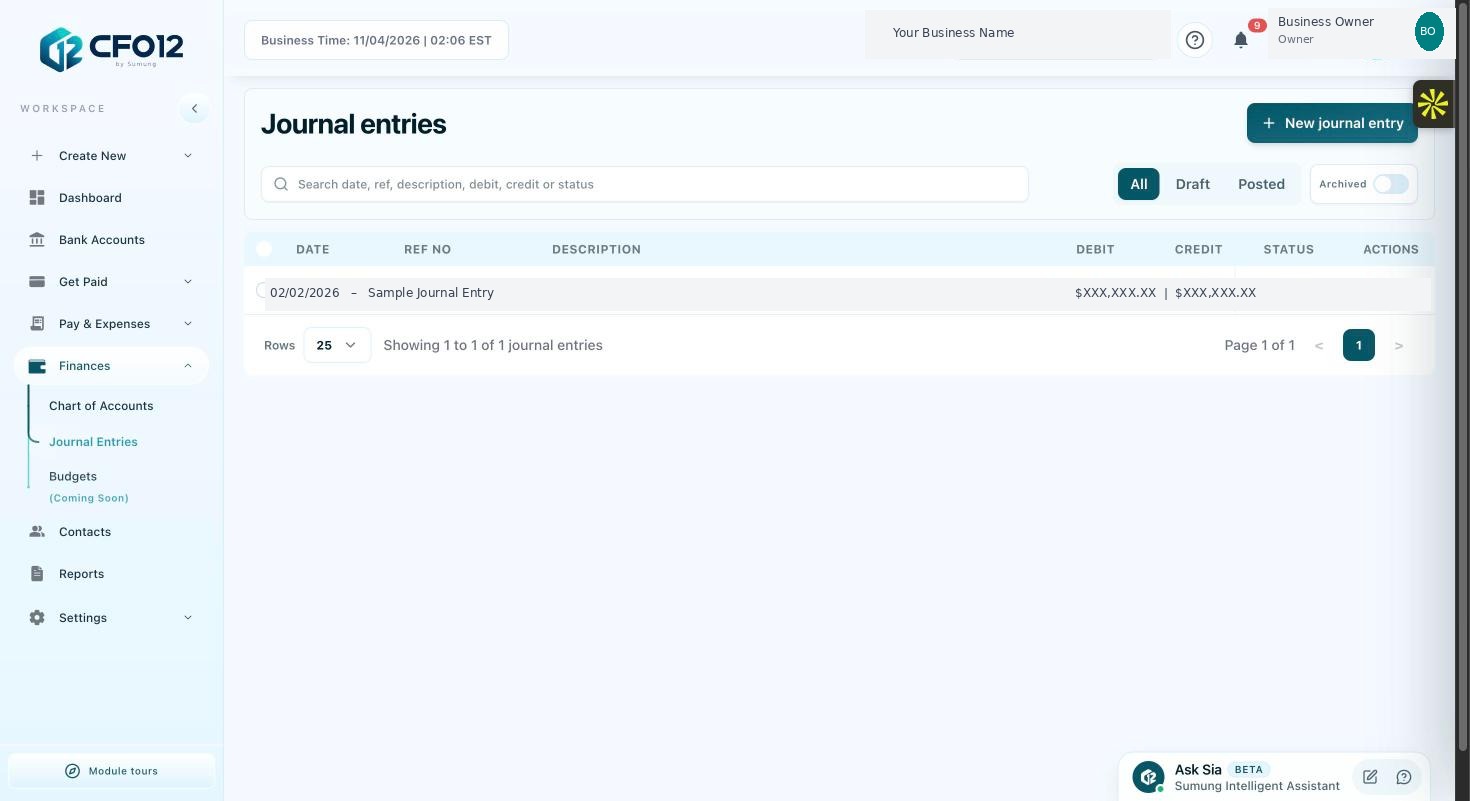
The journal entries list provides a summary of all entries at a glance.
What You Can Do
- Go to Finances > Journal Entries.
- The list shows each entry's date, reference number, memo/notes, debit and credit amounts, and status.
- The date shown is the accounting date of the entry.
- The debit and credit amounts shown are the totals for each entry.
- Status shows Draft, Posted, or Archived.
💡 The reference number helps you identify entries quickly. Use a consistent numbering system.
Related Articles
- How to Create a New Journal Entry
- How to View All Journal Entries
- Overview of Journal Entries
Was this article helpful?
Your feedback helps us improve our documentation.