
What Happens When You Post a Journal Entry?

Posting a journal entry makes it permanent and includes it in your financial records. When you post a journal entry, it moves from Draft to Posted status.

Last updated

Quick answer

When you post a journal entry in CFO12, it moves from Draft to Posted status and becomes part of your official books. The entry is included in the General Ledger for each account involved and reflected in reports such as Profit & Loss and Balance Sheet. Posted entries cannot be edited, so post only when you are confident.

Posting a journal entry makes it permanent and includes it in your financial records.
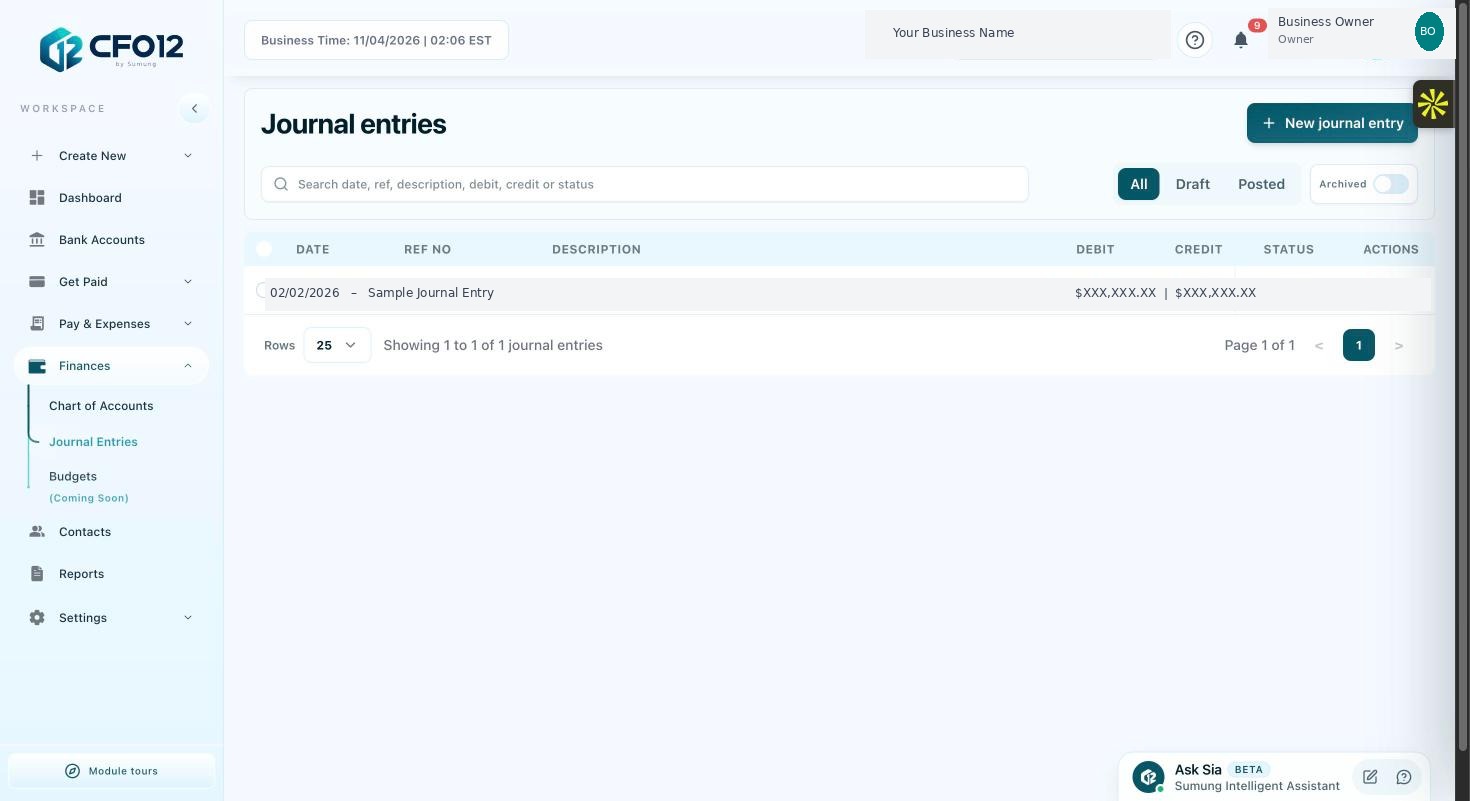
What Happens When You Post a Journal Entry? screenshot

What You Can Do

  1. When you post a journal entry, it moves from Draft to Posted status.
  2. The entry is included in the General Ledger for each account involved.
  3. It is reflected in financial reports like Profit & Loss and Balance Sheet.
  4. Posted entries cannot be edited — contact your accountant or accounting manager to handle the correction.

💡 Post entries only when you are confident they are correct. The General Ledger reflects all posted entries.

Related Articles

Was this article helpful?

Your feedback helps us improve our documentation.

Frequently asked questions

Can I edit a posted journal entry?

No. Posted entries are locked; only draft entries can be edited. Record any correction with a new entry or ask your accountant or accounting manager.

Are archived journal entries removed from my reports?

No. Archived entries are removed from active views but are still included in the General Ledger and other historical reports.

What does each journal entry status mean?

Draft means saved but not yet posted and still editable. Posted means finalised and recorded in the books. Archived means moved out of the active view.

Complete guideJournal entries and the general ledger: CFO12 guide