A Ref No on a journal entry helps you identify and search for it later.
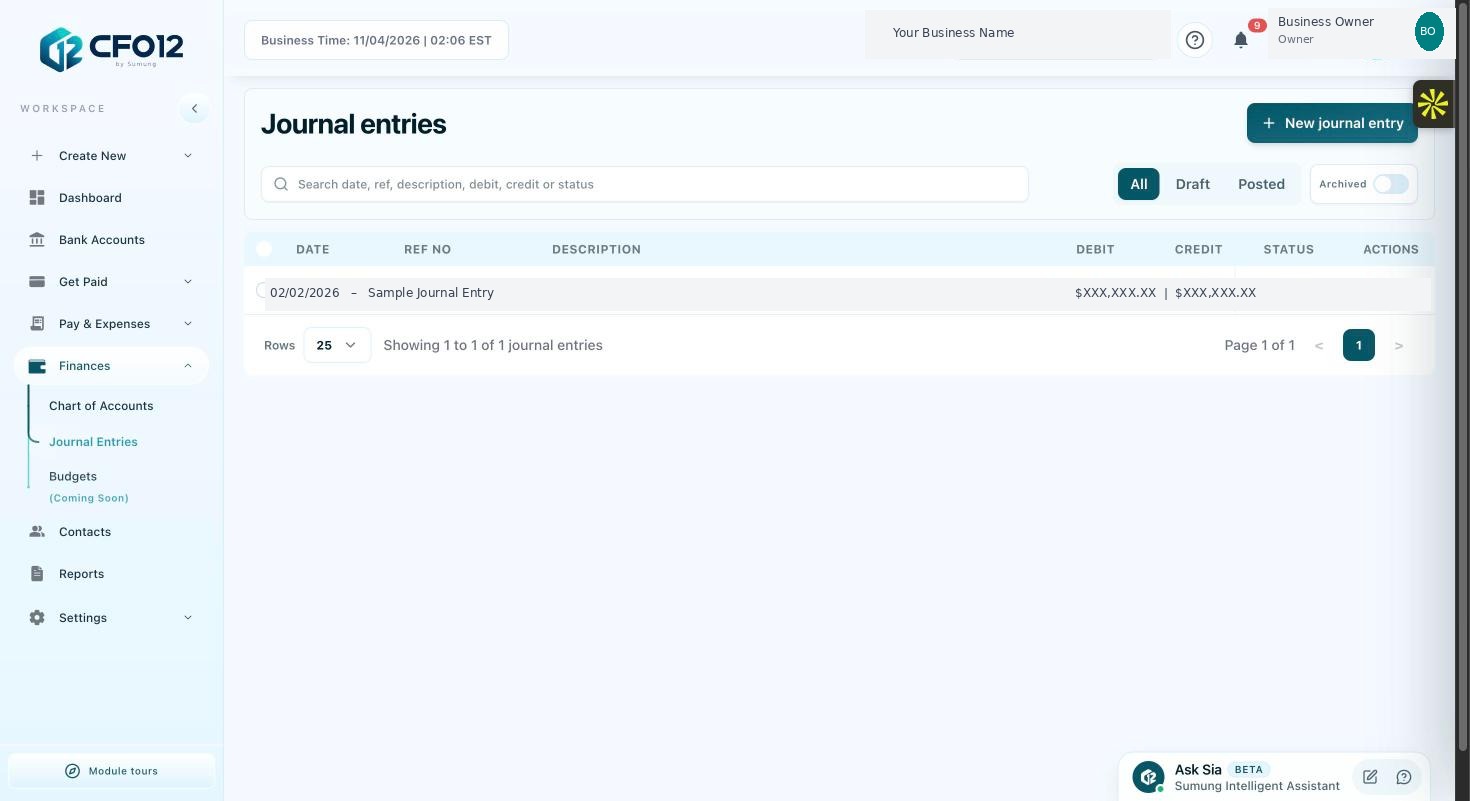
What You Can Do
- Open or create a journal entry.
- Find the Reference field.
- Enter a reference number (e.g., JE-001, ADJ-Q4-2026).
- Save the entry.
- The Reference number is saved with the entry for easy identification.
💡 Use a consistent numbering system for journal entries to make them easy to find in reports and audits.
Related Articles
- How to Create a New Journal Entry
- How to Find a Journal Entry by Reference Number
- Overview of Journal Entries
Was this article helpful?
Your feedback helps us improve our documentation.