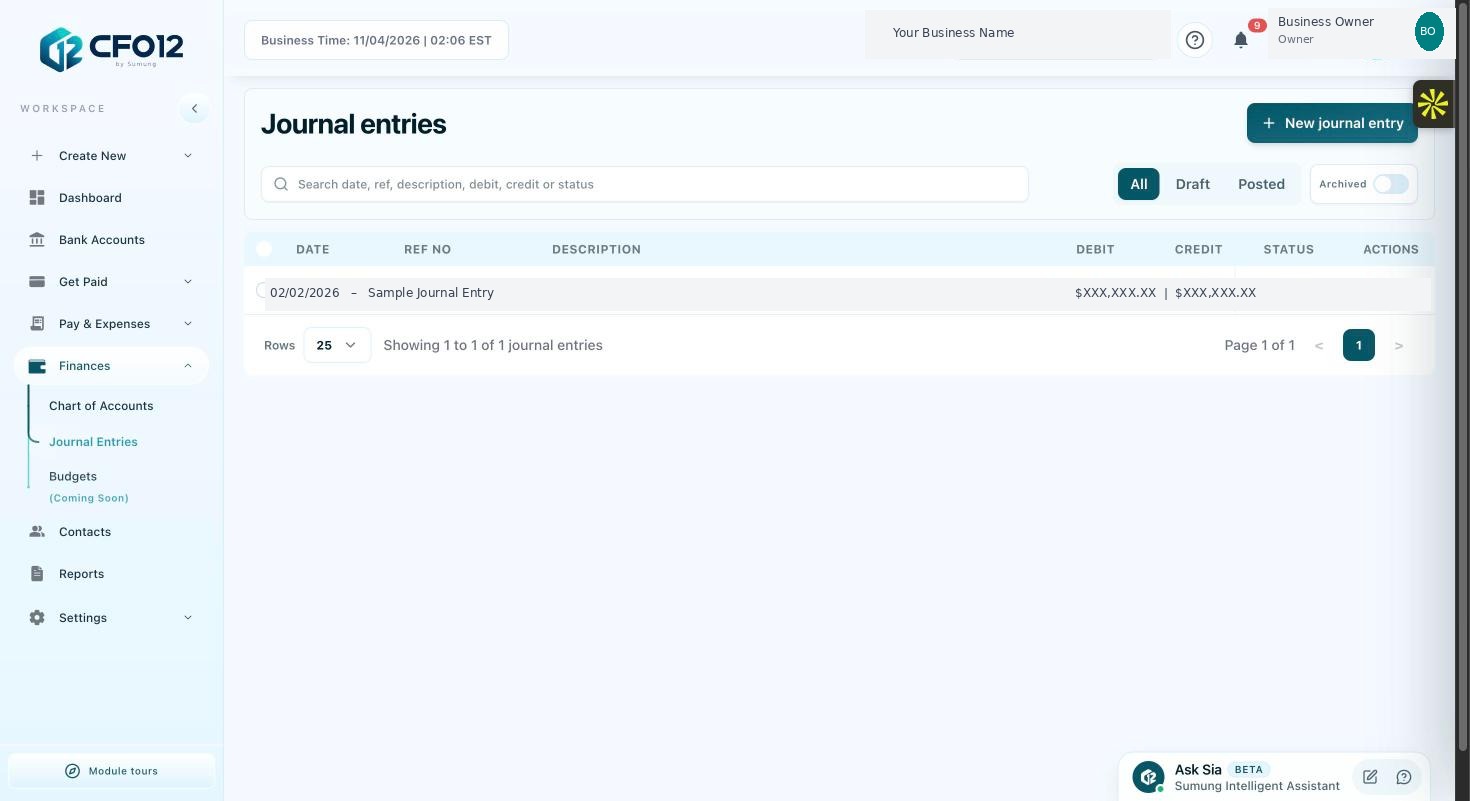
The Posted tab shows all journal entries that have been finalised and recorded in your books.
What You Can Do
- Go to Finances > Journal Entries.
- Click the Posted tab.
- Browse the list of posted entries.
- Click an entry to view its details.
- Posted entries appear in the General Ledger and other reports.
💡 Posted entries are permanent. Contact your accountant or accounting manager to correct a posting error.
Related Articles
- How to Post a Journal Entry
- How to View the General Ledger Report
- Overview of Journal Entries
Was this article helpful?
Your feedback helps us improve our documentation.