Errors in draft journal entries are easy to fix before posting.
What You Can Do
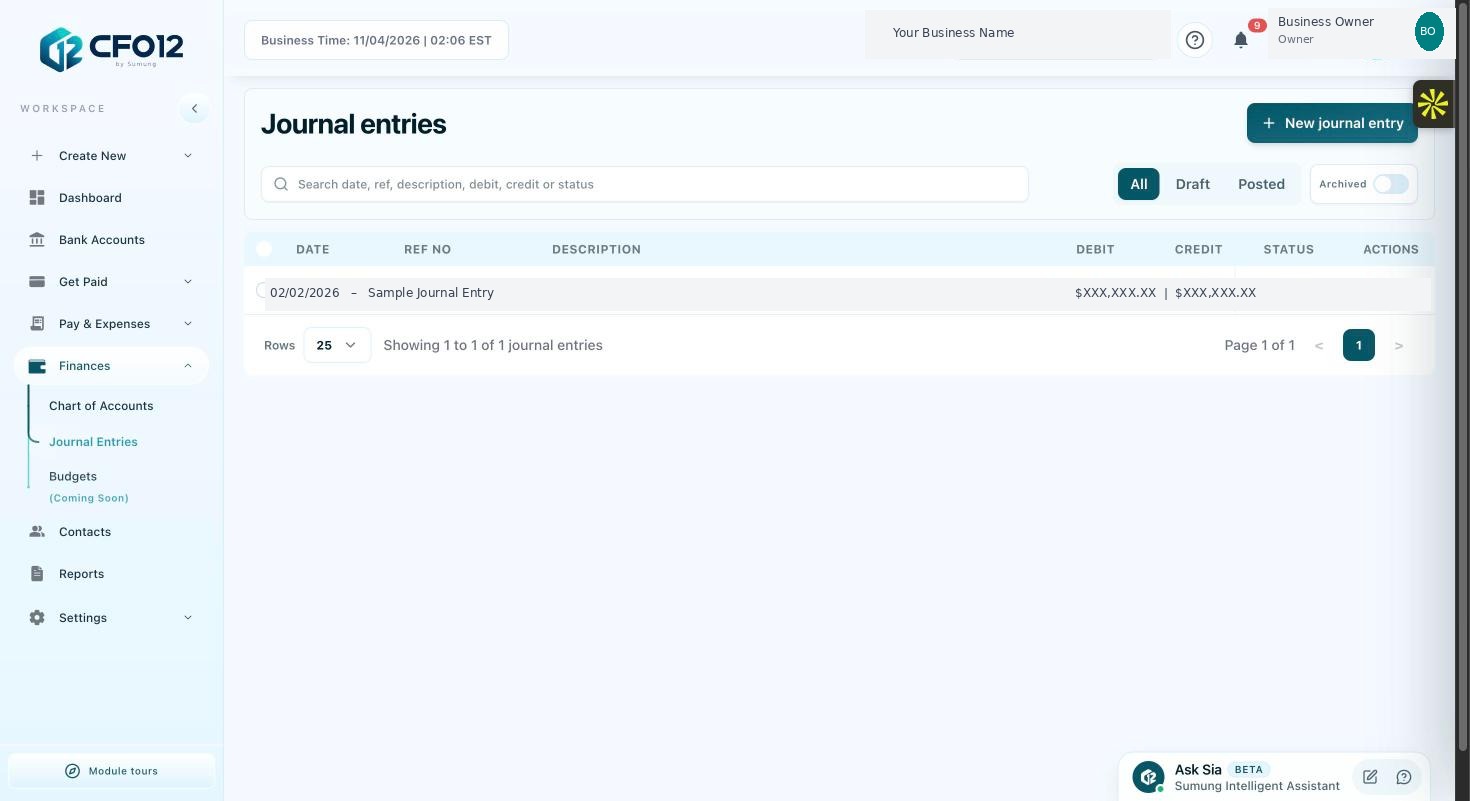
- Open the draft journal entry.
- Find the incorrect line item or field.
- Click edit and make the correction.
- Re-verify that total debits equal total credits.
- Save as Draft or Post when the entry is correct.
💡 Fix draft entry errors before posting — it is much easier than correcting posted entries.
Related Articles
Was this article helpful?
Your feedback helps us improve our documentation.