Export your journal entries for external review, backup, or use in other systems.
What You Can Do
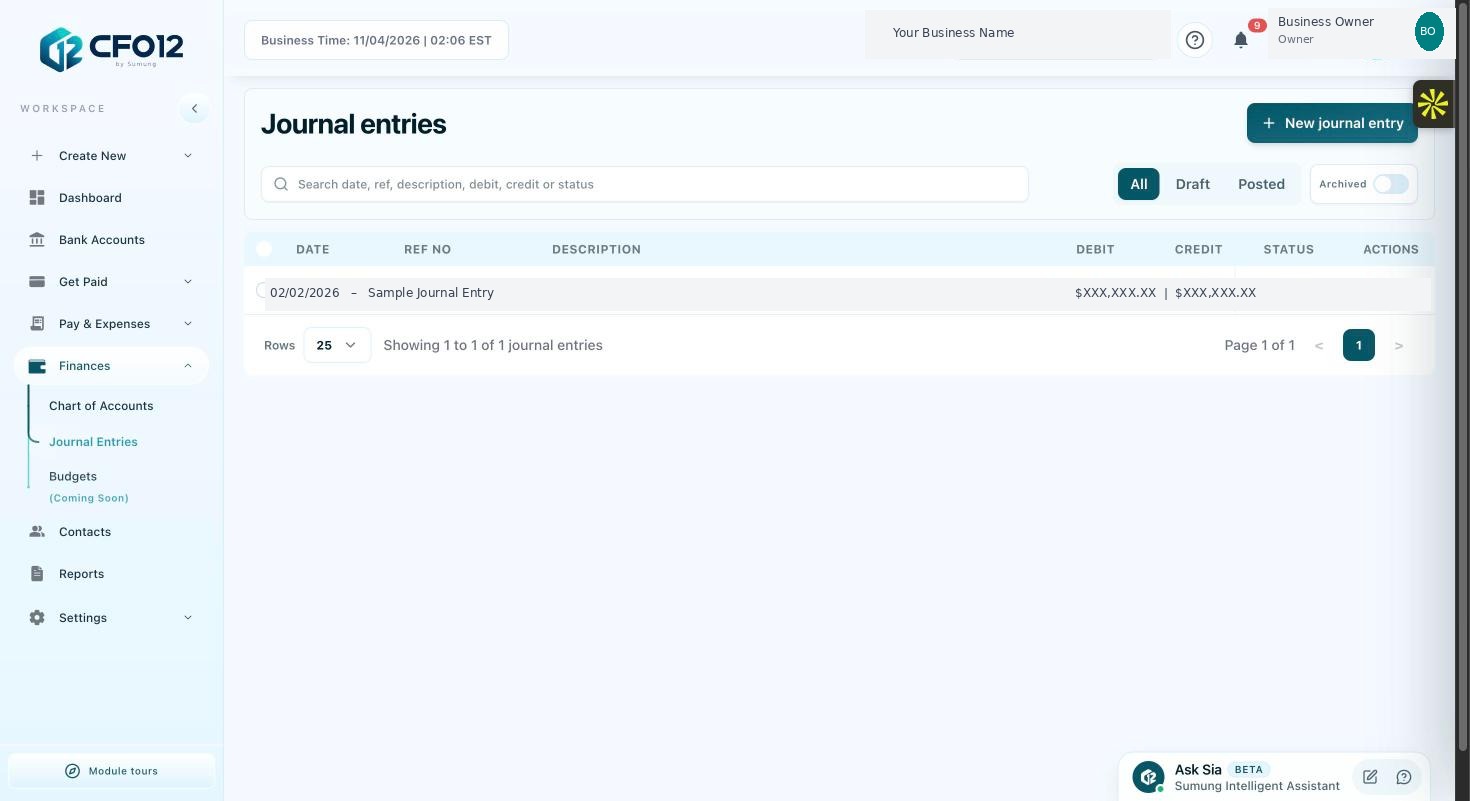
- Go to Finances > Journal Entries.
- Look for an Export option on the page.
- Download the journal entries data as a file.
- Open it in a spreadsheet application to review.
- Also use the General Ledger report for a detailed account-level view.
💡 Exporting journal entries periodically creates a backup of your manual accounting records.
Related Articles
- How to View All Journal Entries
- How to View the General Ledger Report
- Overview of Journal Entries
Was this article helpful?
Your feedback helps us improve our documentation.