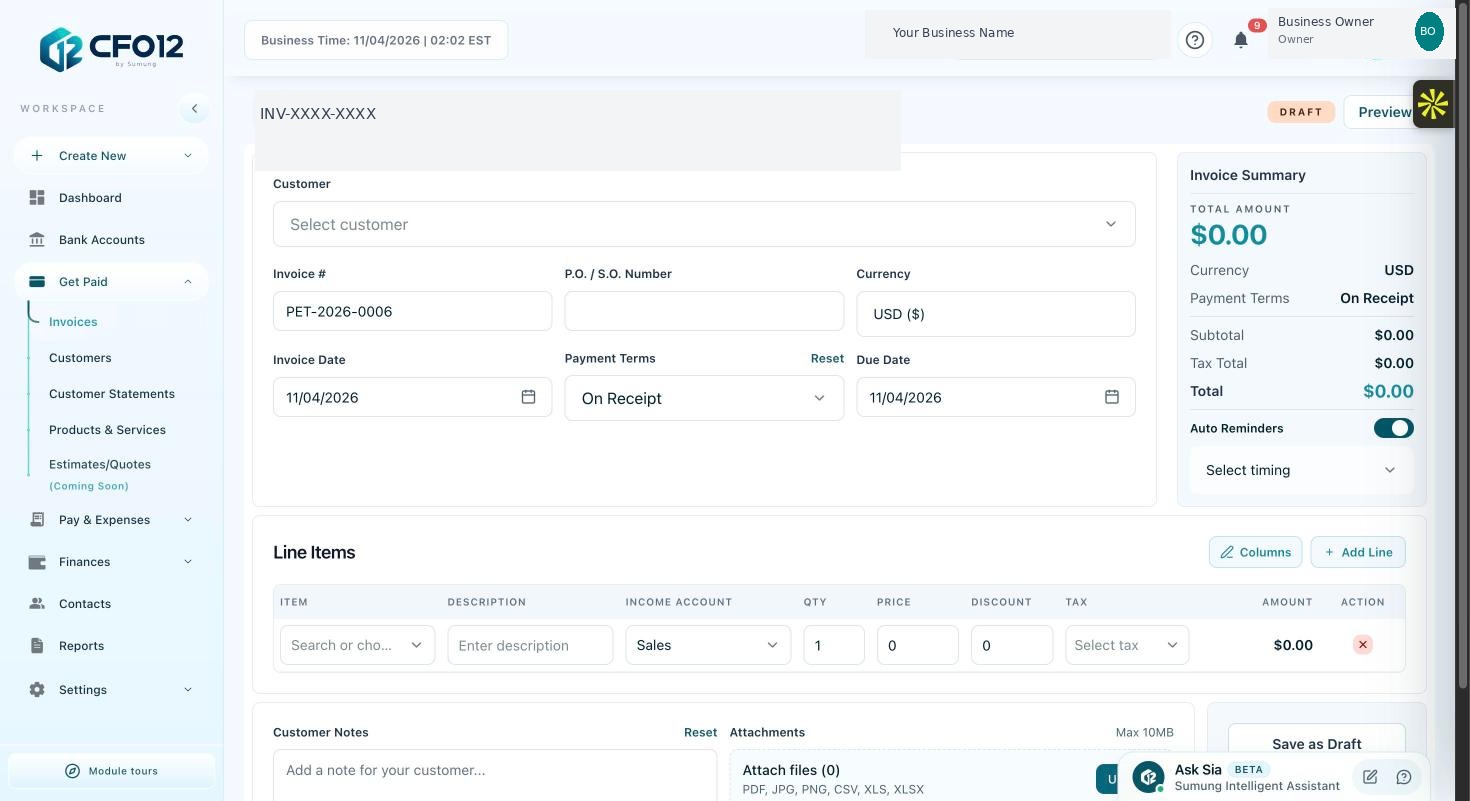
DRAFT means the invoice has been created and saved but not yet approved or sent to the customer.
What You Can Do
- A new invoice starts with the DRAFT label shown at the top of the form.
- Draft invoices are saved in your Invoices list but are not visible to customers.
- You can edit any part of a draft invoice before approving it.
- Click Approve or Save & Send to move it out of Draft status.
💡 Draft invoices are excluded from your customer statements and outstanding balance calculations.
Related Articles
Was this article helpful?
Your feedback helps us improve our documentation.