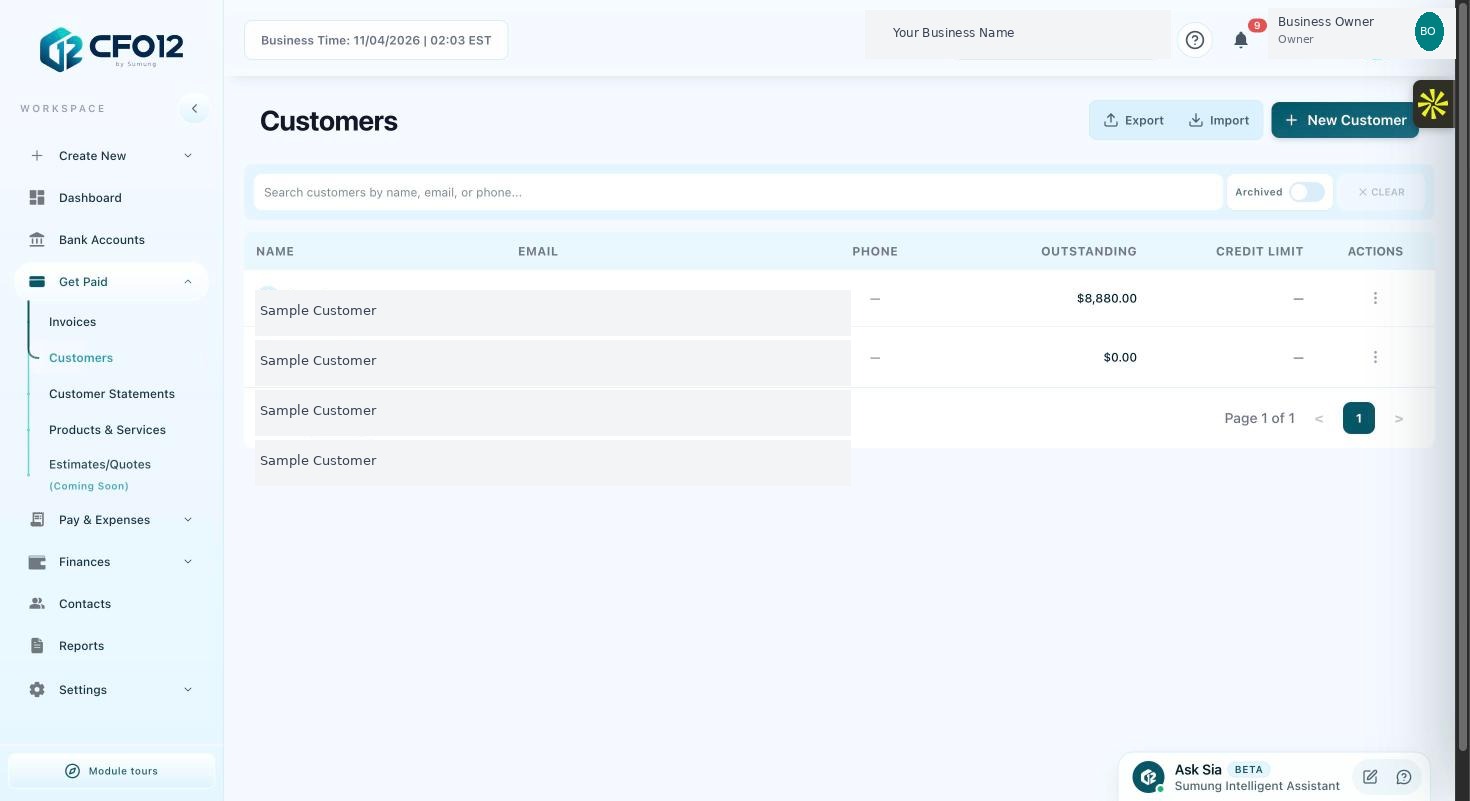
The Customers page shows all your customers along with their outstanding balances.
What You Can Do
- Go to Get Paid > Customers in the left sidebar.
- The list shows each customer's name, contact details, and balance information.
- Use the search or filter to find a specific customer.
- Click a customer's name to open their detail page.
- Click Archived to view customers you have archived.
💡 The customer list includes each customer's outstanding balance, making it easy to see who has unpaid invoices.
Related Articles
- How to Add a New Customer
- How to Import Customers
- How to Export the Customers List
Was this article helpful?
Your feedback helps us improve our documentation.