
How to Generate a Customer Statement

Customer statements summarize a customer's invoices and balances so they can review what they owe. Go to Get Paid > Customer Statements.

Last updated

Quick answer

To generate a customer statement in CFO12, go to Get Paid, Customer Statements and click Create statement. The statement type defaults to Outstanding invoices. Select the customer and date range if prompted, review the statement, then send it to the customer by email so they can see what they owe.

Customer statements summarize a customer's invoices and balances so they can review what they owe.
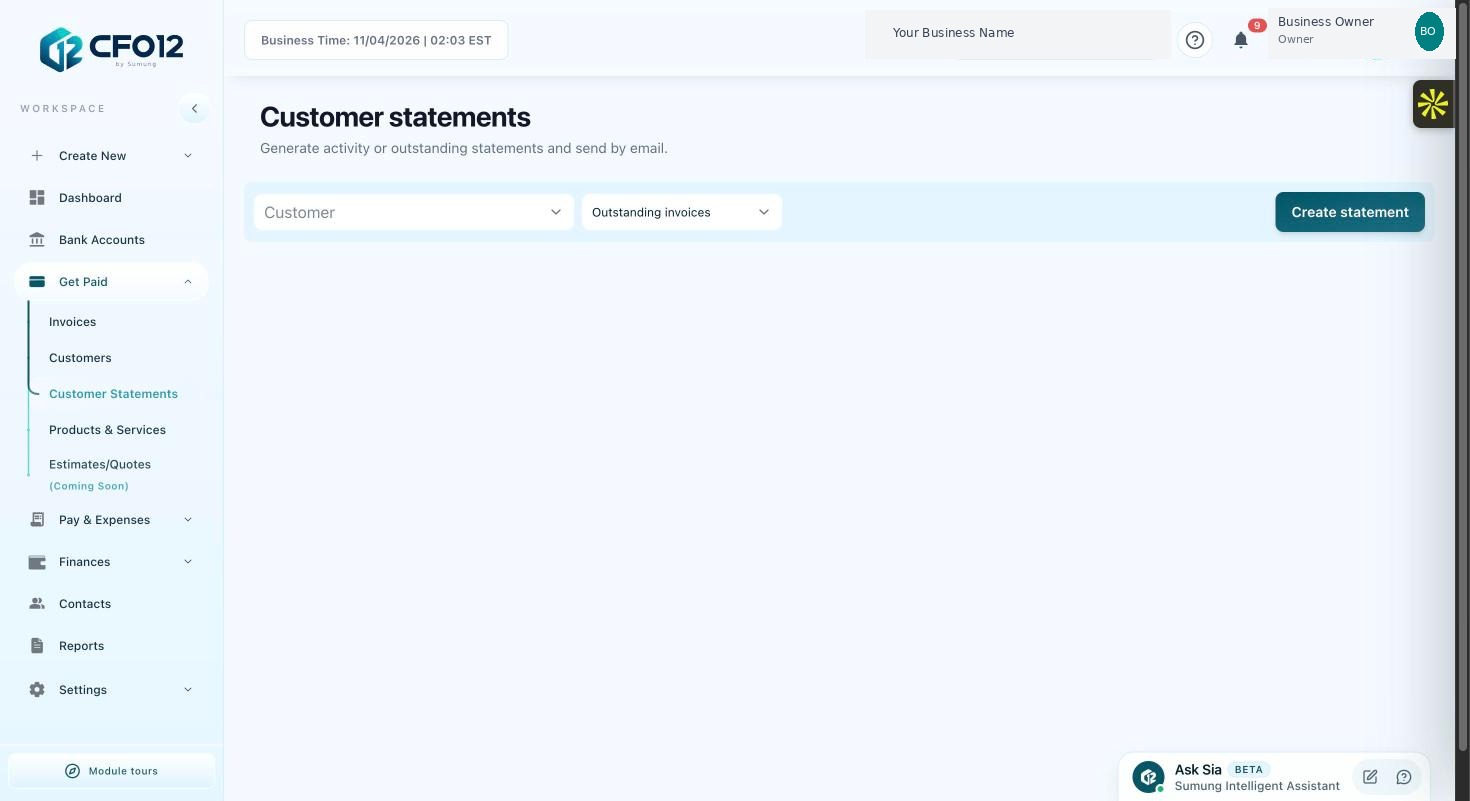
How to Generate a Customer Statement screenshot

What You Can Do

  1. Go to Get Paid > Customer Statements.
  2. Click Create statement.
  3. The statement type shows Outstanding invoices by default.
  4. Select the customer and date range if prompted.
  5. Review the statement and click to send it by email to the customer.

💡 Use customer statements as a professional way to follow up on multiple outstanding invoices at once.

Related Articles

Was this article helpful?

Your feedback helps us improve our documentation.

Frequently asked questions

What does an Outstanding invoices statement include?

It lists all of a customer's unpaid invoices in one document, showing each invoice's date, amount and due date.

Are draft invoices included on a customer statement?

No. Draft invoices are excluded from customer statements and outstanding balance calculations until they are approved.

What do I need before emailing a statement?

The customer must have an email address on file. Add it under Get Paid, Customers if it is missing, and confirm the address when sending.

Complete guideInvoicing and getting paid in CFO12: complete guide