The Purchases by Vendor report shows you what your business has spent with each vendor, helping you manage costs.
What You Can Do
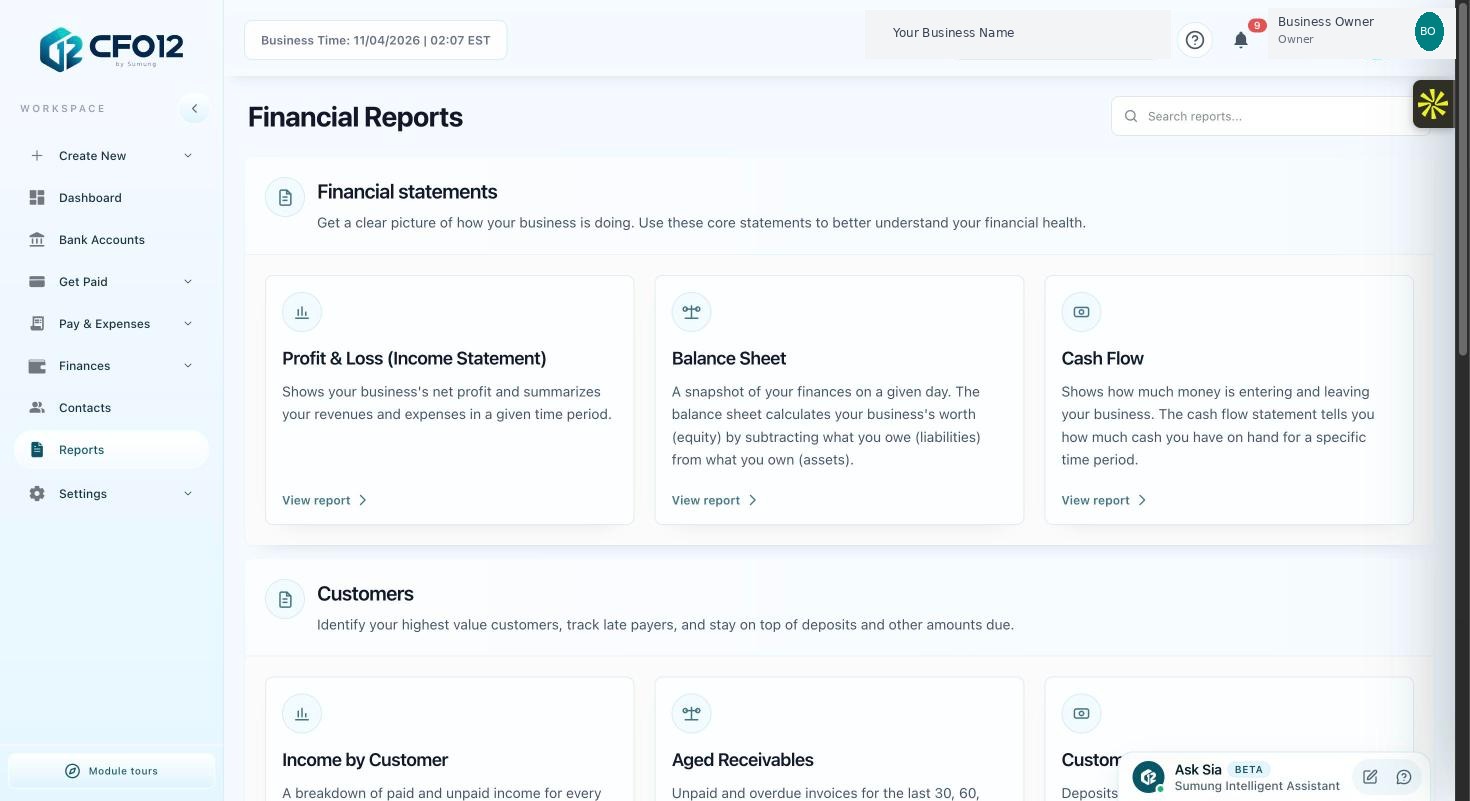
- Go to Reports and click Purchases by Vendor.
- Set the date range to the current period.
- The report displays each vendor with their total purchase amount.
- Identify vendors with the highest spend.
- Use this information to plan and negotiate with key vendors.
💡 Reviewing Purchases by Vendor regularly helps you manage vendor spend and identify cost-saving opportunities.
Related Articles
Was this article helpful?
Your feedback helps us improve our documentation.