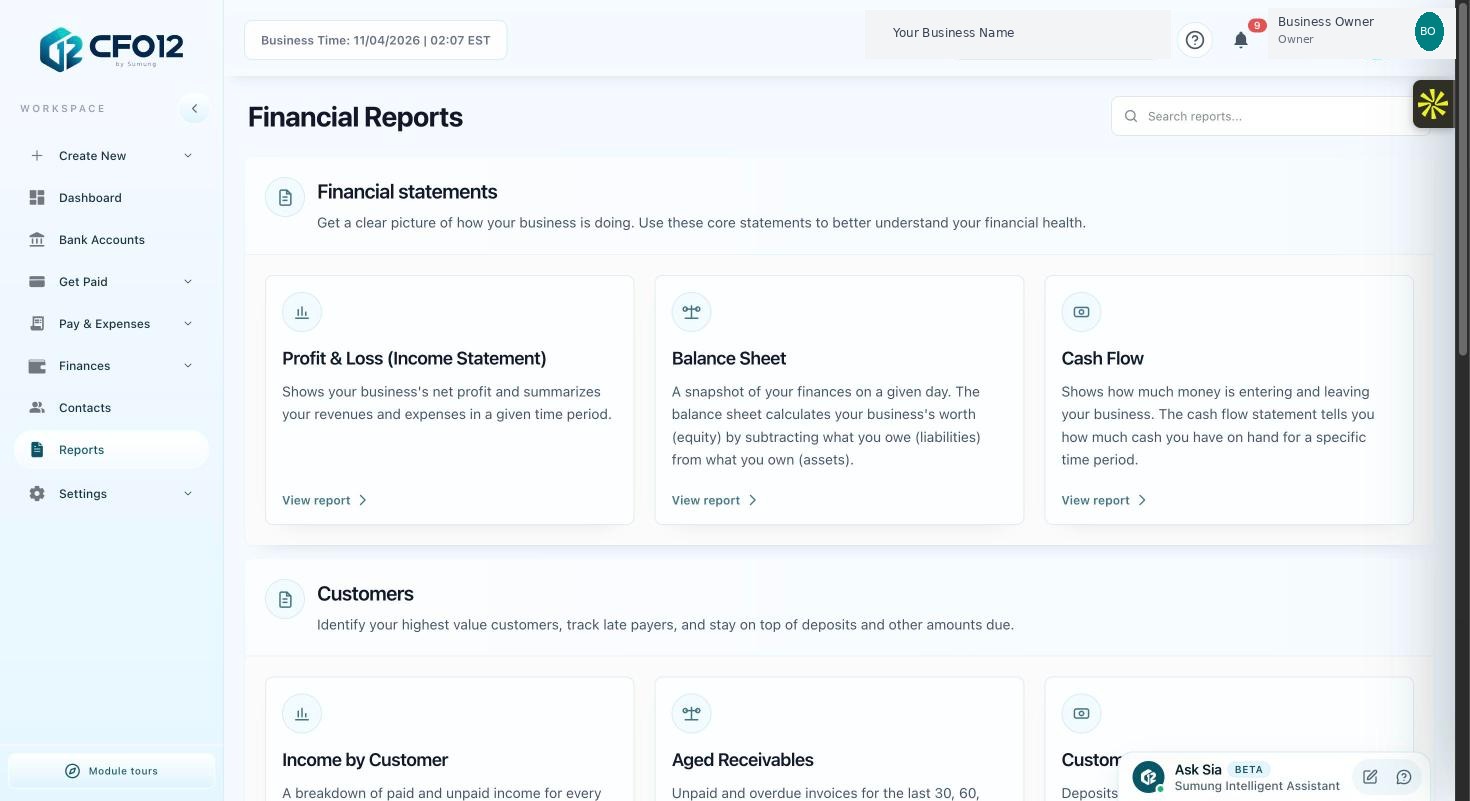
CFO12 includes 11 built-in financial reports covering income, expenses, cash flow, and account balances.
What You Can Do
- In the left sidebar, click Reports.
- The Reports page lists all 11 available reports.
- Click any report name to open it.
- Use the date range selector to customise the report view.
- Export reports as needed for accounting, tax, or audit purposes.
💡 All 11 reports pull data from your invoices, bills, bank transactions, and journal entries.
Related Articles
Was this article helpful?
Your feedback helps us improve our documentation.