The Purchases by Vendor report shows your total purchases broken down by each vendor for a selected period.
What You Can Do
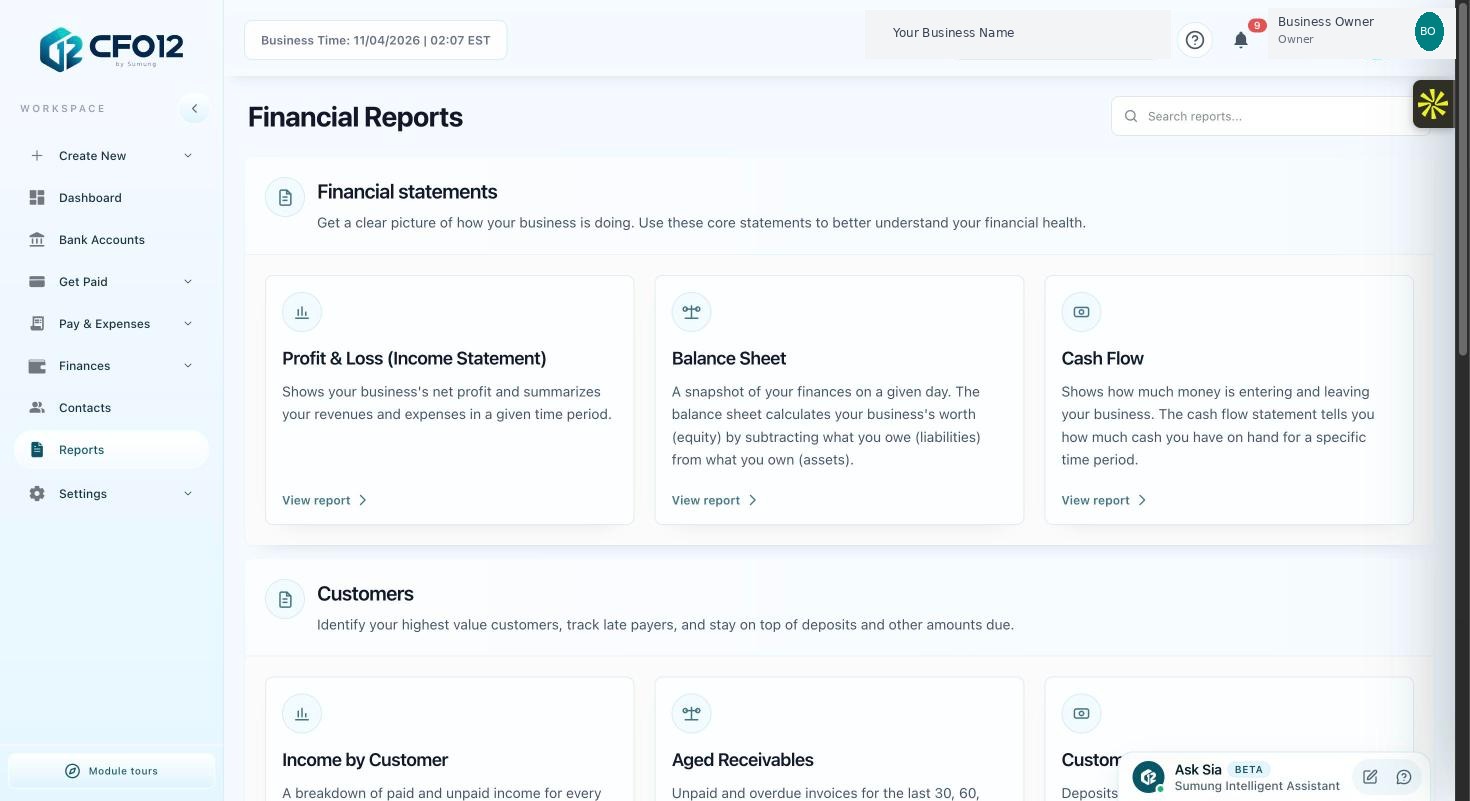
- Go to Reports and click Purchases by Vendor.
- Set the date range for the report period.
- The report displays each vendor with their total purchase amount for the period.
- Identify your highest-spend vendors at a glance.
- Export the report for further use.
💡 Use Purchases by Vendor alongside Aged Payables to understand both vendor spend and outstanding balances.
Related Articles
Was this article helpful?
Your feedback helps us improve our documentation.