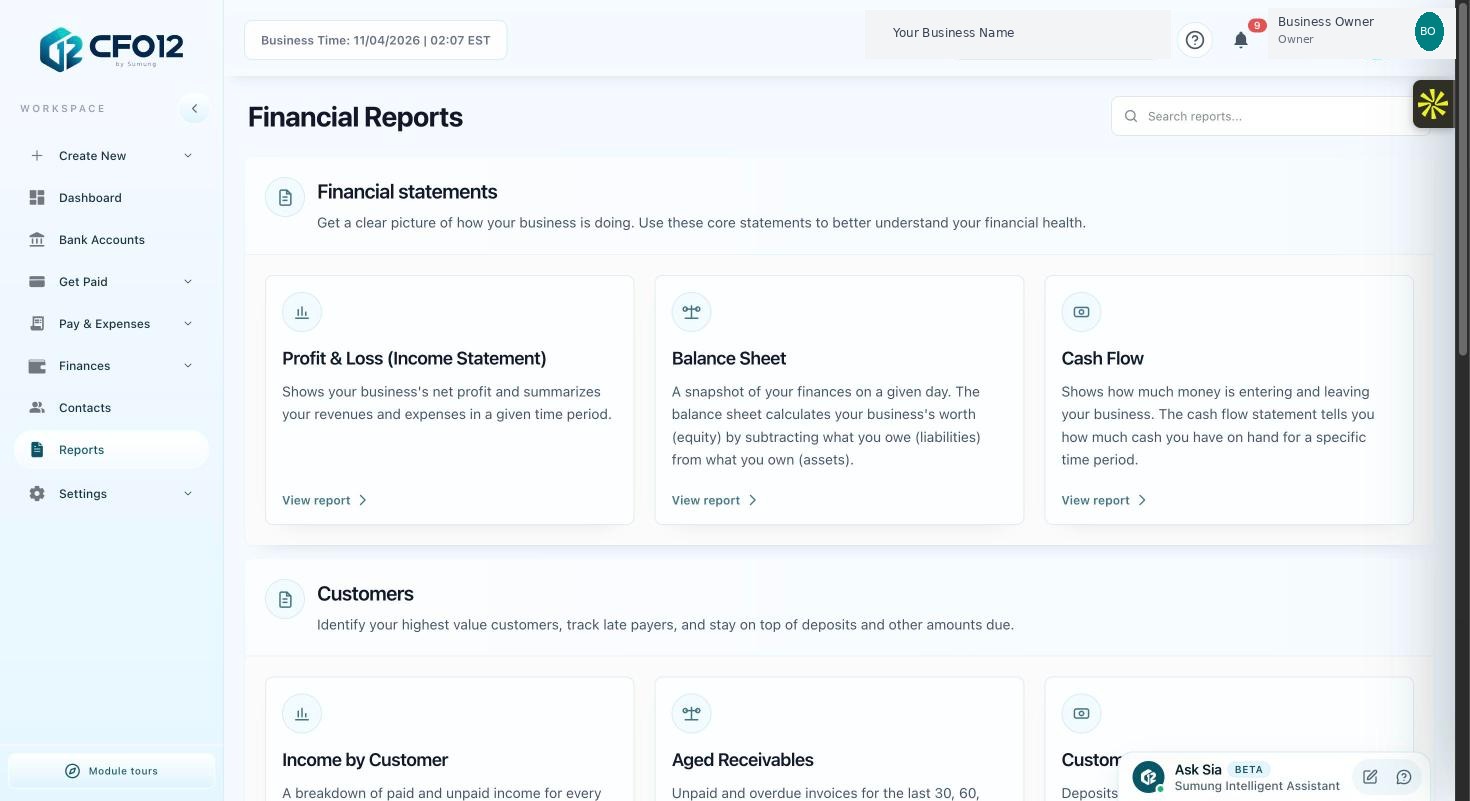
The Profit & Loss (P&L) report shows your income, expenses, and net profit or loss for a period.
What You Can Do
- Go to Reports and click Profit & Loss.
- Set the date range for the report period.
- The report shows Income, Expenses, and Net Profit (or Loss) for the period.
- Export the report for external review or your accountant.
💡 A negative net figure means expenses exceeded income for the period — a net loss.
Related Articles
- How to View the Balance Sheet Report
- How to View the Cash Flow
- Overview of Reports
Was this article helpful?
Your feedback helps us improve our documentation.