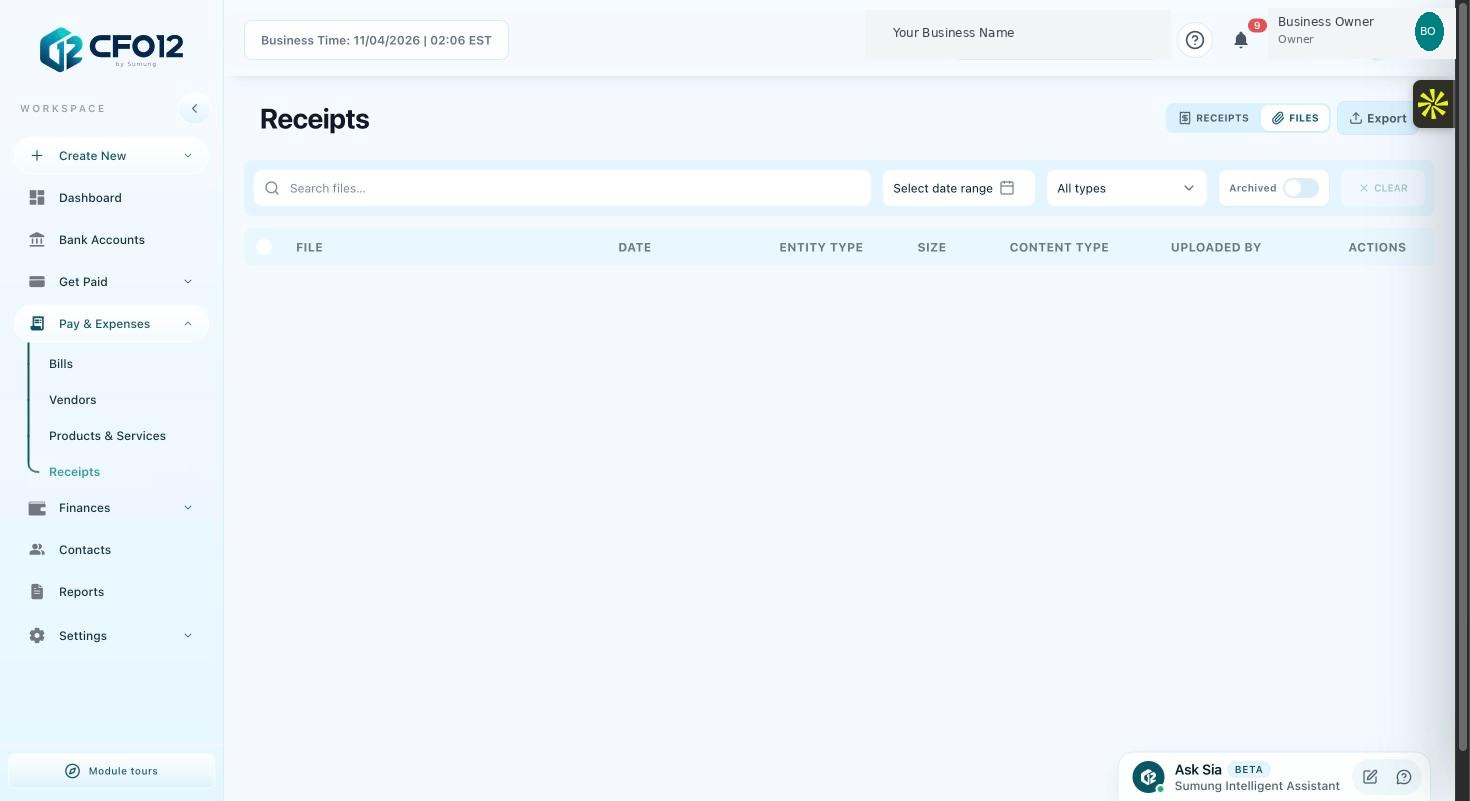
The FILES tab on the Receipts page shows all files that have been uploaded to your receipts section.
What You Can Do
- Go to Pay & Expenses > Receipts in the left sidebar.
- Click the FILES tab at the top of the Receipts page.
- The FILES tab displays all uploaded files in your receipts section.
- Browse and review the uploaded documents listed here.
- Files shown may be attached expense records associated with your business.
💡 Tip: Switch between the RECEIPTS and FILES tabs to get different views of your uploaded expense data.
Related Articles
Was this article helpful?
Your feedback helps us improve our documentation.