Create a new receipt in CFO12 to record and store an expense document.
What You Can Do
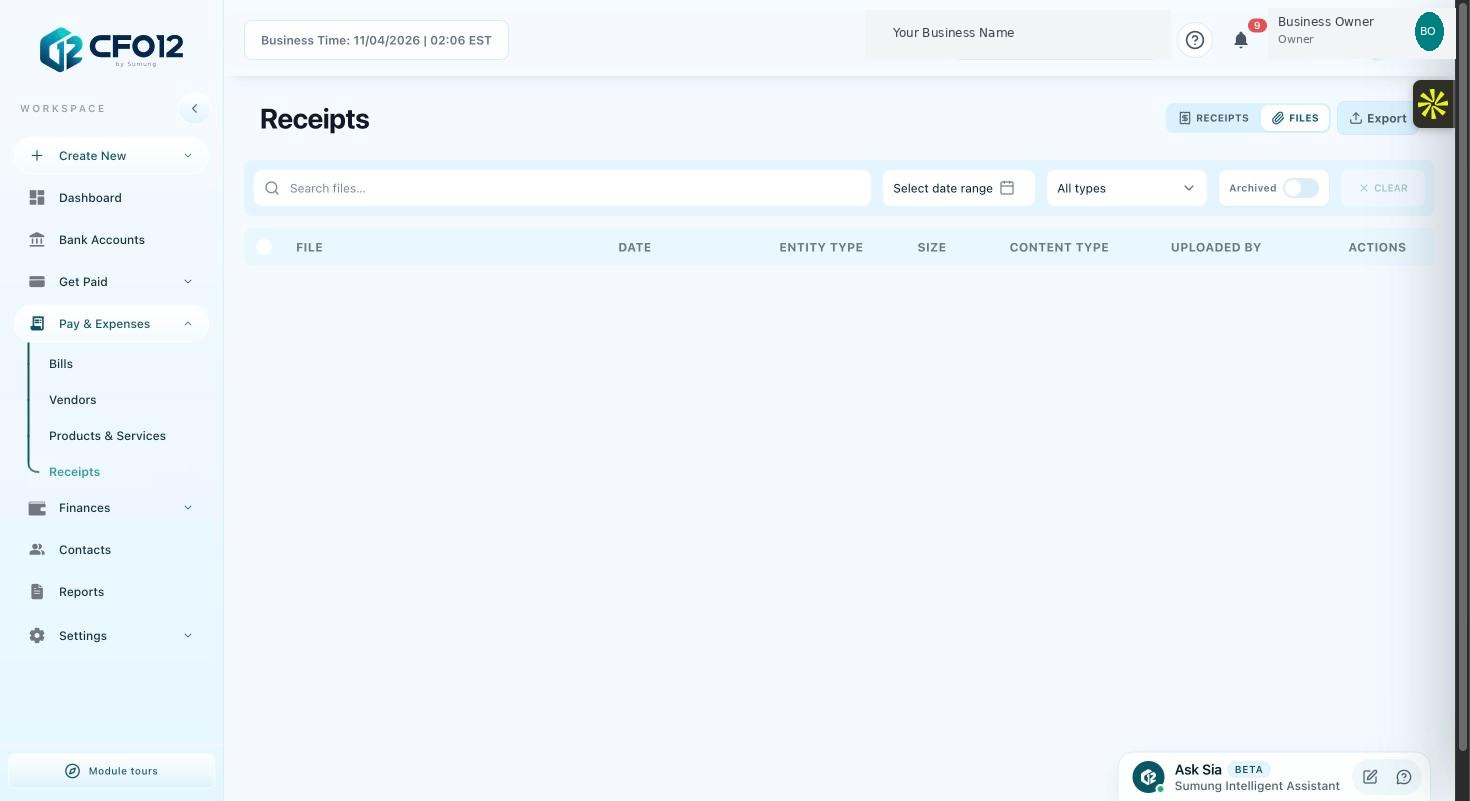
- Click Create New > New Receipt in the sidebar, or go to Pay & Expenses > Receipts.
- Click the button to create a new receipt.
- Fill in the receipt details as required.
- Upload the receipt file.
- Save the receipt.
💡 Upload your receipt files to keep your records digital.
Related Articles
Was this article helpful?
Your feedback helps us improve our documentation.