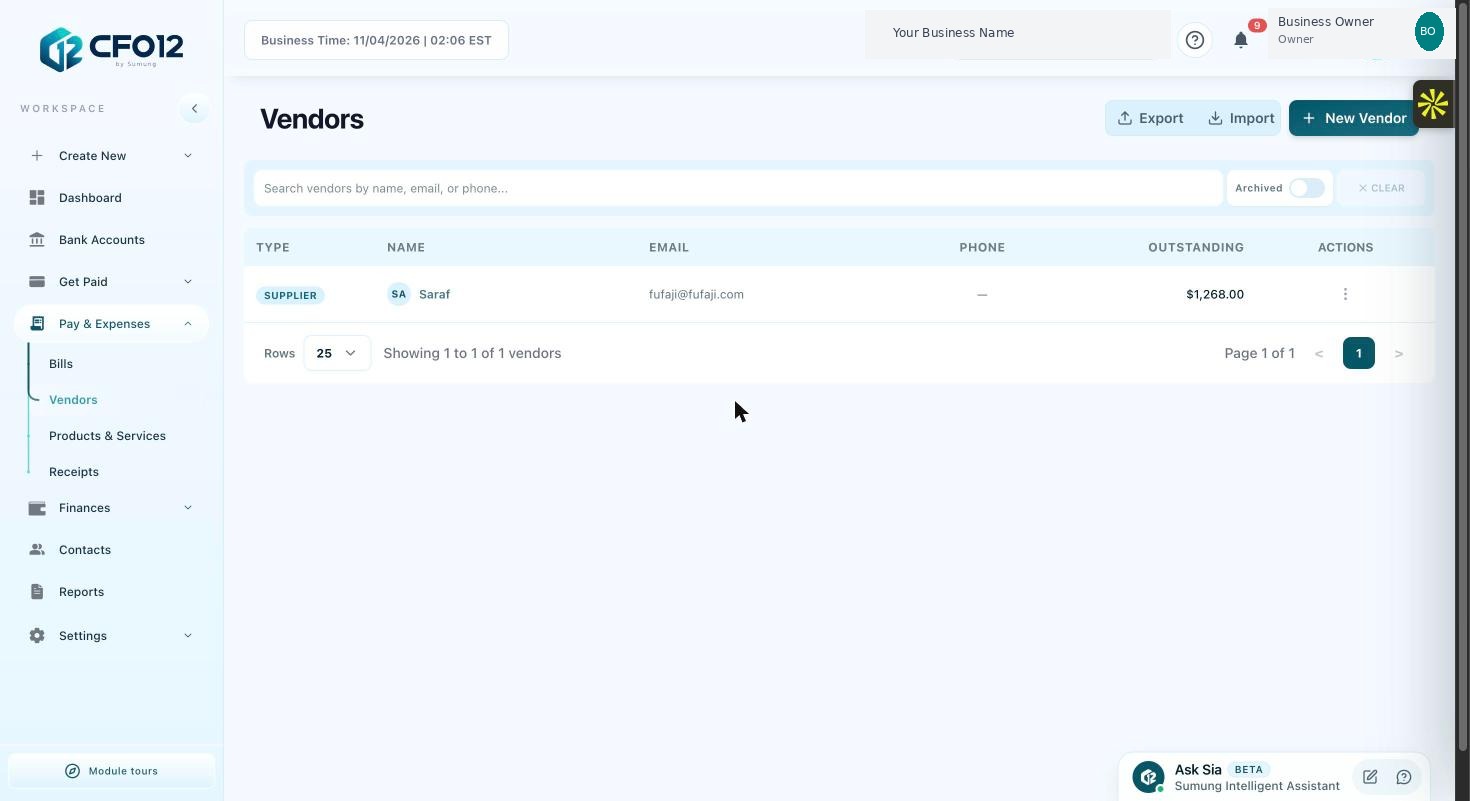
In CFO12, vendors are contacts with the type Supplier, indicating they sell goods or services to your business.
What You Can Do
- When you add a vendor, set the Contact type to Supplier.
- Contacts with the Supplier type appear in the Vendors list under Pay & Expenses.
- A contact can be both a Customer and a Supplier by selecting Both as the contact type.
- The vendor type in the Vendors list shows SUPPLIER for all vendor contacts.
💡 If a contact is both a customer and a vendor, set their type to Both so they appear in both lists.
Related Articles
- How to Add a New Vendor
- How to Add a New Customer
- Overview of the Contacts Section
Was this article helpful?
Your feedback helps us improve our documentation.