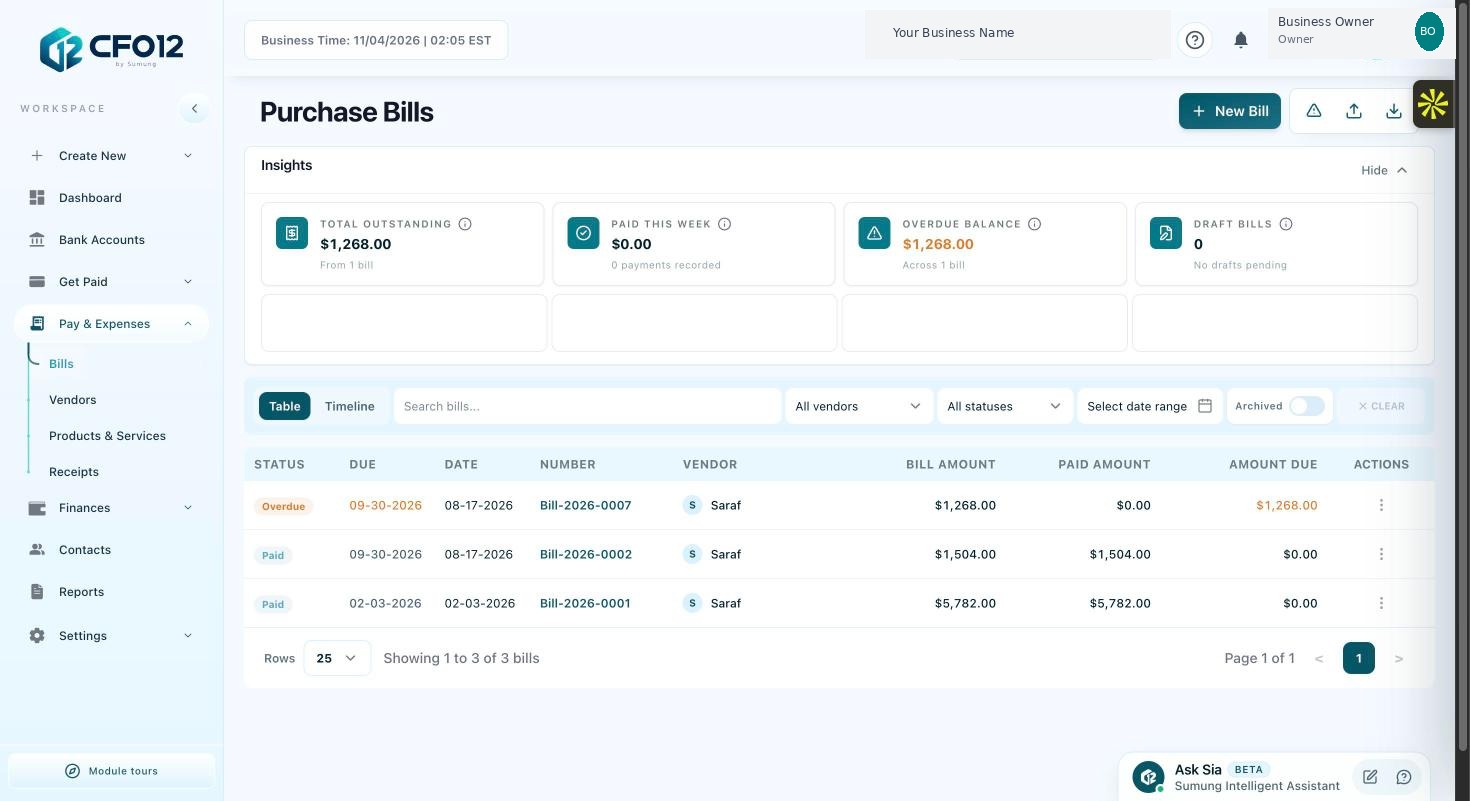
Bill Insights shows spending trends and summaries to help you understand your expenses.
What You Can Do
- Go to Pay & Expenses > Bills.
- Click Insights at the top of the bills list.
- The Insights panel shows charts and summaries of your bill data.
- Use the option to collapse the Insights panel if available.
💡 Insights are based on your approved bills. Draft bills are not included in the charts.
Related Articles
- How to View All Bills
- How to Filter Bills by Date Range
- What Is the Purchases by Vendor Report?
Was this article helpful?
Your feedback helps us improve our documentation.