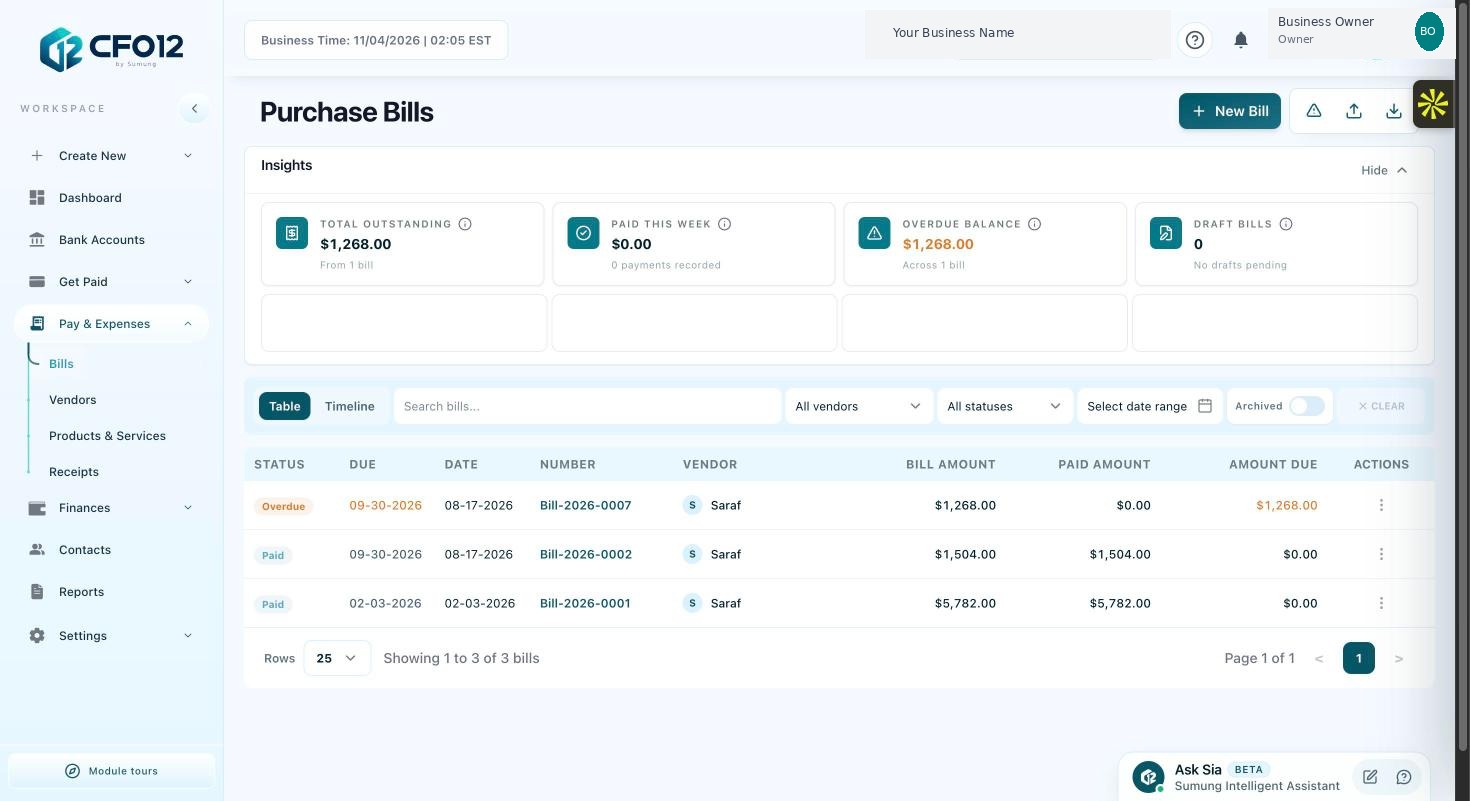
The Create New menu is the fastest way to start a new bill from anywhere in CFO12.
What You Can Do
- Click Create New in the top of the left sidebar.
- Select New Bill from the dropdown.
- The new bill form opens immediately.
- Fill in the supplier, dates, and line items as normal.
- Save as Draft or Save and Approve.
💡 The Create New menu saves navigation time — use it whenever you want to quickly log a bill.
Related Articles
Was this article helpful?
Your feedback helps us improve our documentation.